How to integrate a workspace to Notion in Typeform
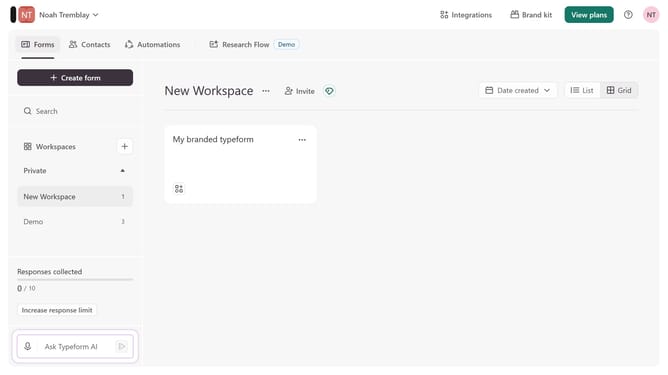
Here is how to integrate a workspace to notion in typeform
- First click on a workspace item in the sidebar
- Then click on "Integrations" button in the header
- Then click on "Find an integration" button
- Then select "Collaboration" category in the sidebar
- Finally, click on Notion
Why should you integrate a workspace to Notion in Typeform
Typeform is an intuitive platform designed to enhance how you collect and interact with data through engaging forms and surveys.
Integrating a workspace with Notion in Typeform allows users to seamlessly channel form responses into their Notion databases. By using this feature, you can centralize important data and streamline workflow processes. As a result, it reduces manual data entry and improves real-time collaboration.
Connecting Typeform to Notion ensures your team stays aligned. It is an effective way to boost productivity and keep all critical information at your fingertips.
Last update