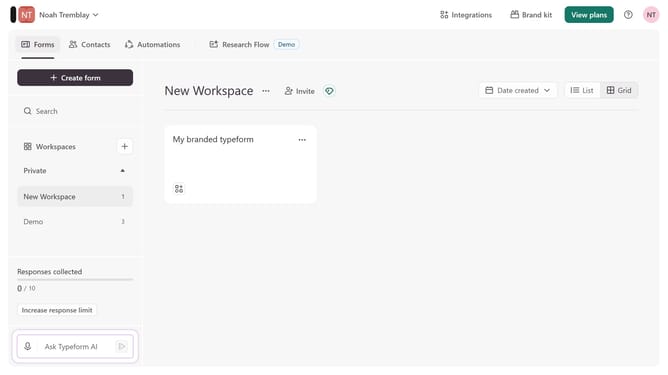
How to add a Clarify with AI content to an existing form in Typeform
Here is how to add a clarify with ai content to an existing form in typeform
- First click on the a workspace item in the sidebar
- Then click on the "..." icon next to a chosen Typeform
- Then select "Content" from the dropdown menu
- Then click on the "+ Add content" button
- Finally select "Clarify with AI" from the "Text & Video" section
Why should you add a Clarify with AI content to an existing form in Typeform
Typeform is an innovative platform designed to create engaging and interactive online forms effortlessly.
Adding a Clarify with AI content to an existing form in Typeform elevates user interaction by offering real-time explanations and insights.
This feature enriches the user experience by providing instant clarifications, thus increasing completion rates and ensuring data accuracy.
By integrating AI-driven clarification, respondents feel more informed and confident, which in turn results in more valuable feedback for your needs.
Last update