How to install Better Content Archiving and Analytics in Confluence
Here is how to install better content archiving and analytics in confluence
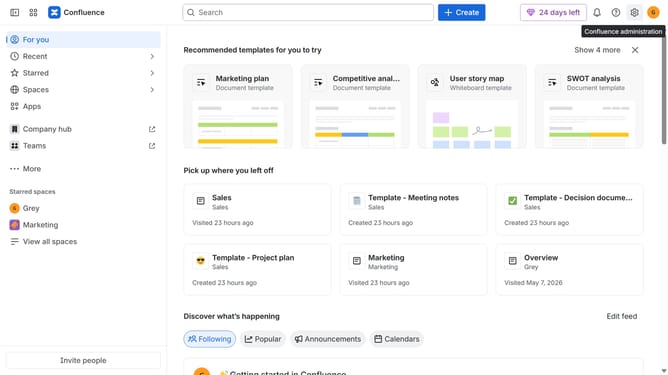
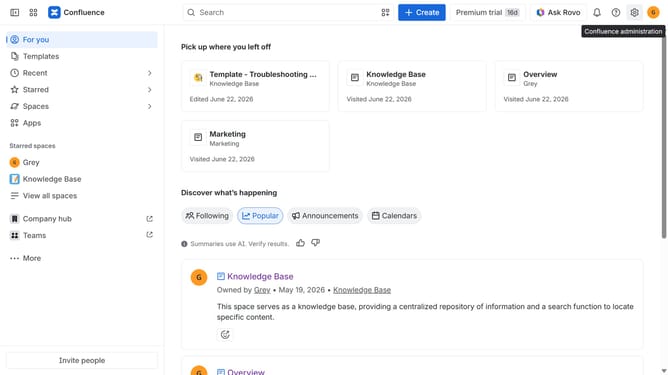
- First click on "Apps" in the navigation
- Next, select the "Explore more apps" option
- From the list, locate "Better Content Archiving and Analytics for Confluence" and click on it to open the app details page
- Click on the "Try it free" or "Install" button
- Select the Confluence site where it will be installed
- Then click on the "Review" button to proceed
- Review the app details, permissions, and other information
- Finally, click on the "Start free trial" or "Confirm installation" button
Why should you install Better Content Archiving and Analytics in Confluence
Confluence is a versatile collaboration tool designed to enhance team productivity and knowledge sharing.
Installing Better Content Archiving and Analytics in Confluence empowers users to effortlessly manage and organize information. By integrating these features, teams can easily access insights into content usage and relevance.
Understanding user interactions and automating archiving ensures that only up-to-date and pertinent information is maintained, which streamlines workflows and boosts productivity.
Last update