How to export the audit log in Confluence
Here is how to export the audit log in confluence
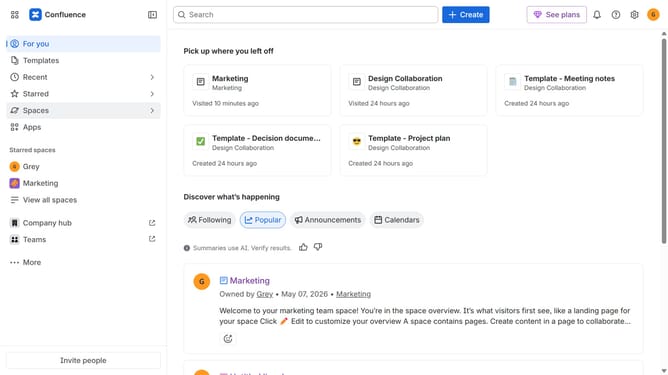
- First click on the gear icon in the top right header
- Next, click on "Audit log" in the left sidebar under "Monitoring"
- Then click on "Export" in the top-right of the audit log
Why should you export the audit log in Confluence
Confluence is a dynamic collaboration platform designed to bring teams together and streamline project documentation.
The ability to export the audit log in Confluence offers invaluable insights into user activities and system changes, enhancing transparency and accountability within your organization.
By utilizing this feature, teams can efficiently track modifications, ensuring that everyone is aligned and informed about past actions. This not only aids in compliance but also empowers informed decision-making and fosters a culture of openness.
Last update