How to export organic keyword data in Semrush
Here is how to export organic keyword data in semrush
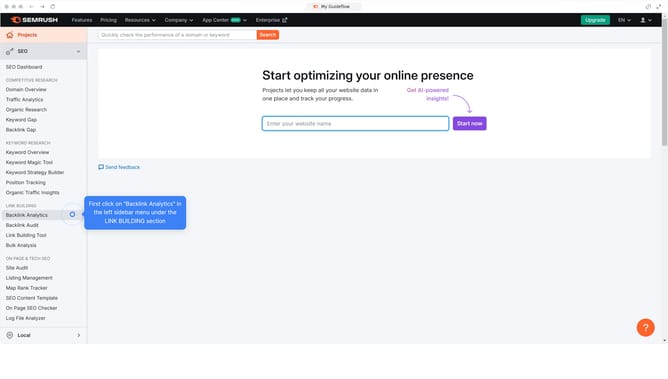
- First click on the "SEO" tab in the main navigation menu
- In the left-hand sidebar, click "Organic Research" under the "Competitive Research" section
- Enter your domain in the domain input field
- Click "Search" to open the Organic Research report
- Click the "Positions" tab to view the full list of organic keywords
- Click the "Export" button at the top right of the table
Why should you export organic keyword data in Semrush
Semrush is a powerful tool designed to enhance your digital marketing strategy with in-depth insights.
One standout feature is the ability to export organic keyword data, offering streamlined access to critical information. Using this feature allows you to efficiently extract data on the keywords driving traffic to your website.
Armed with these insights, you can optimize your content strategy, ensuring your efforts are focused on the most impactful keywords. This feature not only saves time but also empowers businesses to stay competitive in ever-evolving markets.
Last update