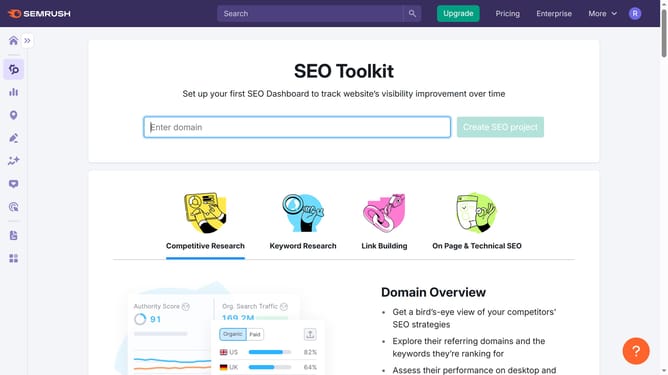
How to download backlink lists in Semrush
Here is how to download backlink lists in semrush
- First click on the "SEO" tile in the main dashboard section to access SEO tools and features
- Then select "Backlink Analytics" option from the left sidebar menu under the Link Building section
- In the Backlink Analytics tool, click on the URL input field to enter a domain for analysis
- Click the "Analyze" button to start the backlink analysis
- Navigate to the "Backlinks" tab in the results view
- Click the "Export" button located at the top right of the table
- Finally click the "CSV" option to download the data as a file
Why should you download backlink lists in Semrush
Semrush is a comprehensive tool designed to enhance and optimize your online visibility.
Downloading backlink lists in Semrush is both simple and effective, offering deep insights into your website’s link profile.
This feature empowers users by providing access to detailed information about who is linking to your site, allowing you to identify opportunities for growth and track your SEO progress.
By understanding your backlink landscape, you can make informed decisions and strategically enhance your website’s authority and search engine ranking.
Last update