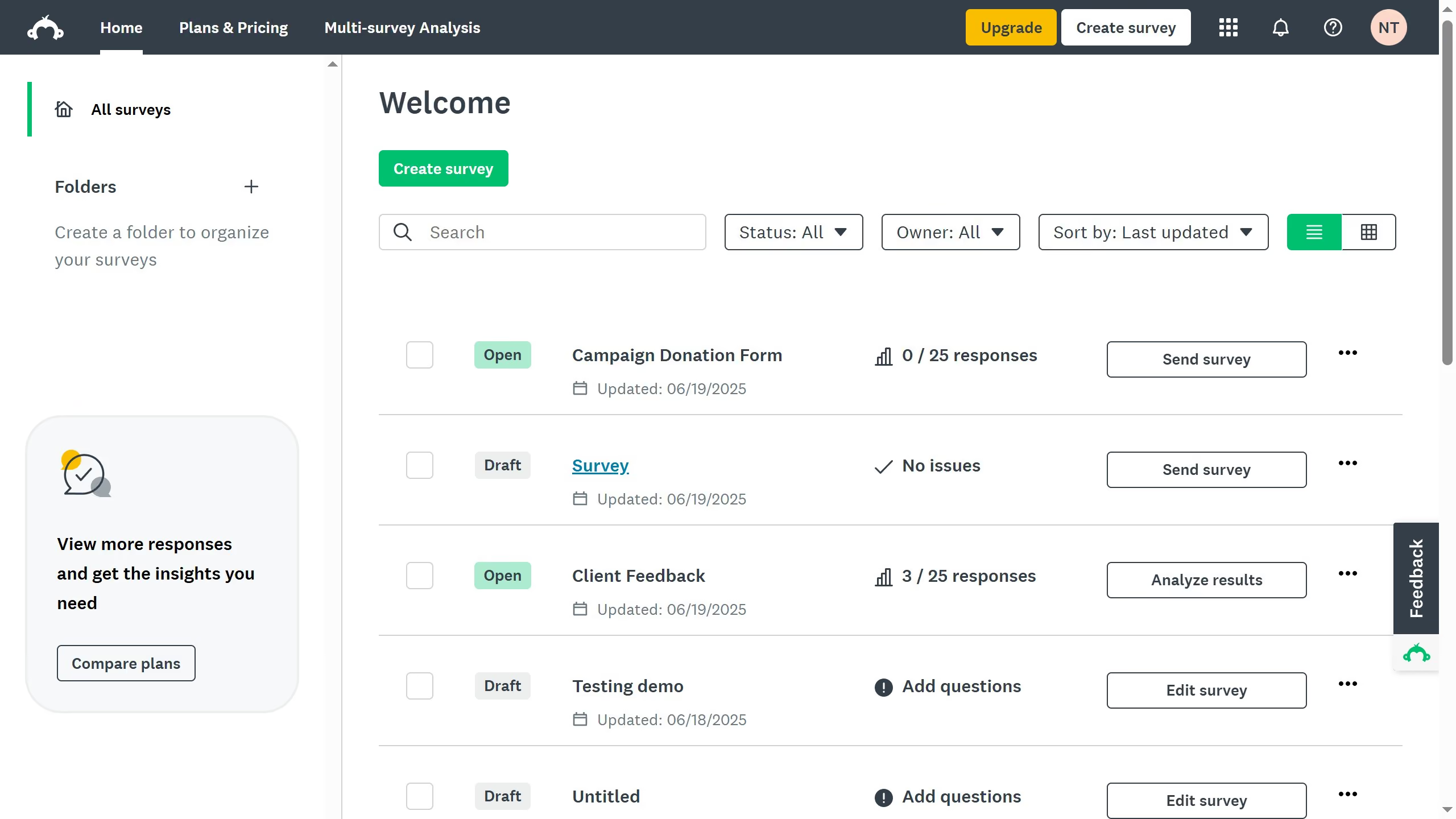
Here is how to disable page numbers in surveymonkey
- From the dashboard, open the survey you want to edit
- Then click on the "DESIGN SURVEY" tab in the top navigation menu
- Next click on the "Options" button in the design toolbar
- Toggle the switch off to hide the page numbers in your survey