How to disable Groq chat provider in n8n
Here is how to disable groq chat provider in n8n
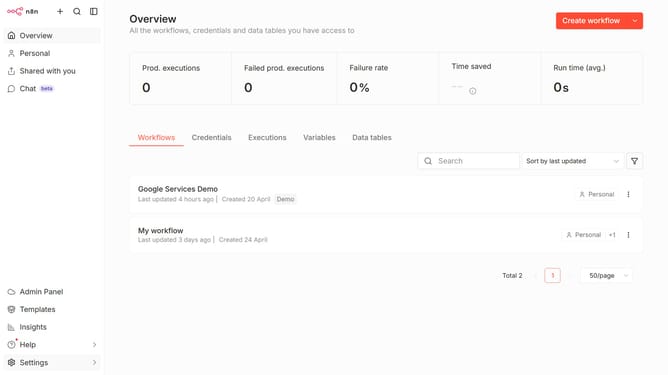
- First click on 'Settings' in the sidebar
- Then click on 'Chat' in the sidebar menu
- Then click on the three dots icon for Groq
- Then click on 'Edit provider'
- Then disable the toggle for 'Enable Groq'
- Finally click on the 'Confirm' button
Why should you disable Groq chat provider in n8n
n8n is a powerful automation tool designed to seamlessly integrate various services and workflows.
One of its customizable features includes the option to disable Groq chat provider.
By disabling Groq, users can streamline communications and reduce distractions from non-essential chat integrations, enhancing productivity.
This feature allows users to tailor their automation processes according to specific needs, ensuring an efficient workflow environment.
Last update