How to create Webflow OAuth2 API credential in n8n
Here is how to create webflow oauth2 api credential in n8n
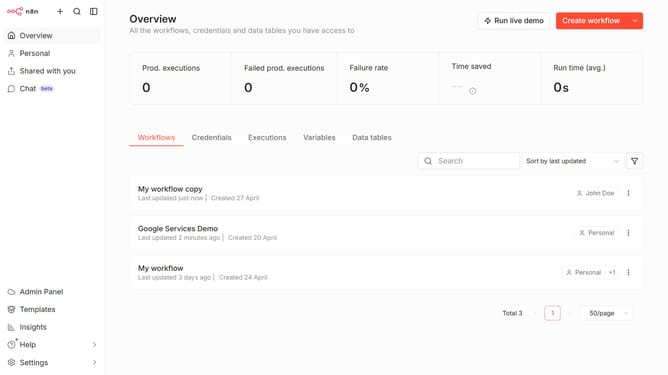
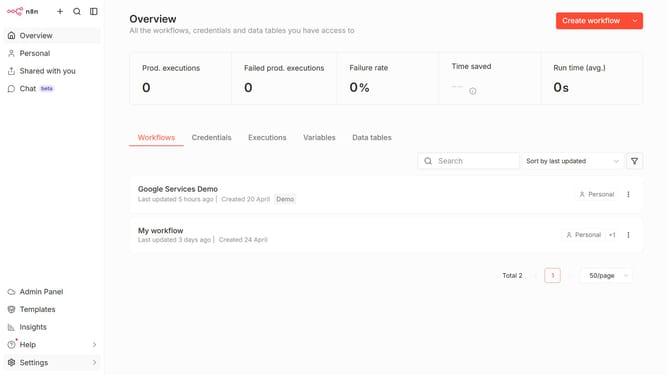
- First click on the dropdown arrow next to "Create workflow" in the header.
- Then select "Create credential" from the dropdown menu.
- Next, click the search bar.
- Then type "Webflow" into the search bar and select "Webflow OAuth2 API".
- After that, click the "Continue" button.
- Finally, click the "Connect to Webflow" button.
Why should you create Webflow OAuth2 API credential in n8n
n8n is a powerful, open-source automation tool designed to streamline complex workflows with ease.
Creating Webflow OAuth2 API credentials in n8n unlocks a seamless integration process, allowing users to connect and automate tasks between Webflow and a multitude of other applications.
This feature simplifies the transition of data by securely establishing a connection, reducing manual tasks, and enhancing productivity.
By leveraging this capability, users can ensure a more efficient and integrated workflow environment.
Last update