How to create Venafi TLS Protect Cloud credential in n8n
Here is how to create venafi tls protect cloud credential in n8n
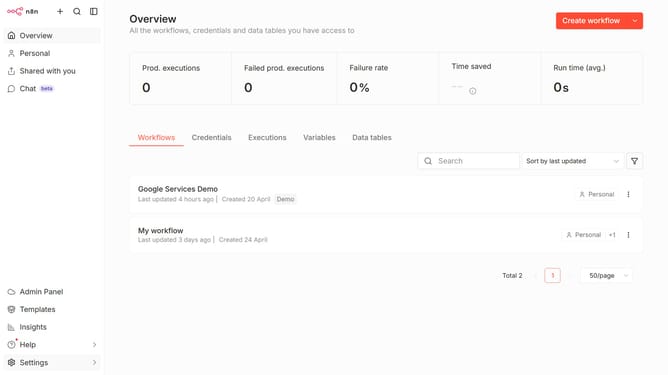
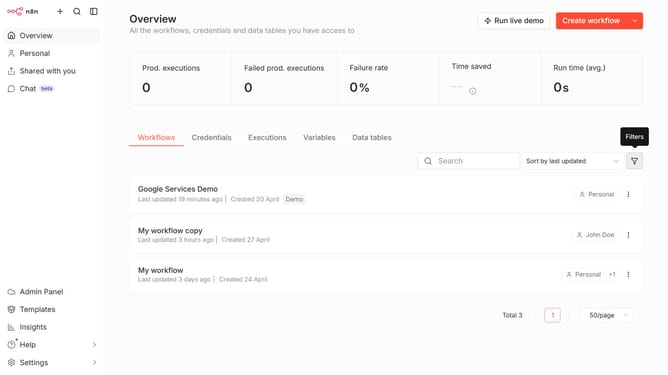
- First click on the dropdown arrow next to the "Create workflow" button.
- Then click on "Create credential" option.
- Next, click on the search bar and enter "Venafi".
- In the dropdown menu, select "Venafi TLS Protect Cloud".
- After that, click on the "Continue" button.
- Then fill in the "API Key" input field.
- Finally click on the "Save" button.
Why should you create Venafi TLS Protect Cloud credential in n8n
n8n is a versatile workflow automation tool that empowers users to connect applications and automate tasks seamlessly.
Creating a Venafi TLS Protect Cloud credential in n8n significantly boosts your workflow's security by ensuring encrypted communication between your applications. Using this feature, you can maintain compliance with security standards and effectively manage your digital certificates.
The integration of Venafi with n8n adds an extra layer of trust, enabling teams to safeguard sensitive information effortlessly. This powerful combination truly enhances data protection and operational efficiency.
Last update