How to connect Coupler.io to ChatGPT
Here is how to connect coupler.io to chatgpt
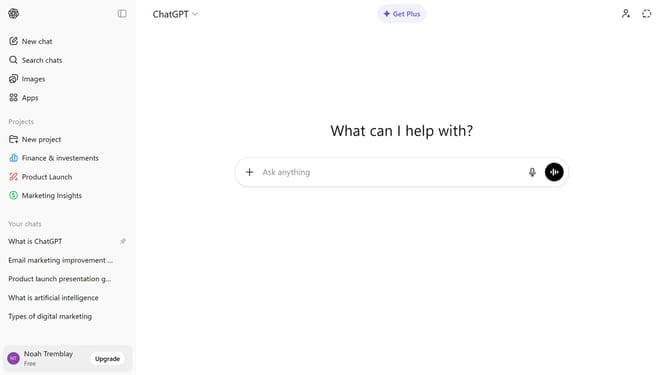
- First click on the "Apps" option in the left sidebar
- Next, click the search field and type "Coupler.io"
- Then click on "Coupler.io" from the search results
- Click on the "Connect" button in the top right corner of the Coupler.io app page
- Next click on the "Continue" button in the connection authorization dialog
- Then log in to your Coupler account in the Coupler.io login page
- Finally click on the "AUTHORIZE" button in the authorization dialog
Why should you connect Coupler.io to ChatGPT
ChatGPT is an AI language model designed to generate human-like text and assist users with a variety of tasks.
Connecting Coupler.io to ChatGPT enables seamless data transfer and process automation, enhancing productivity by streamlining data consolidation and analysis.
This connection bridges data insights with conversational AI, allowing users to easily query and retrieve information while leveraging ChatGPT's intuitive communication capabilities.
The integration promises an efficient workflow, ensuring real-time data access and insightful conversation, making data-driven decisions simpler and faster.
Last update