How to turn off ChatGPT training on your content
Here is how to turn off chatgpt training on your content
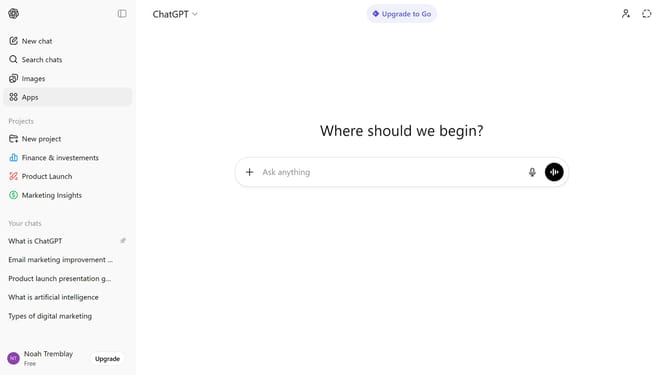
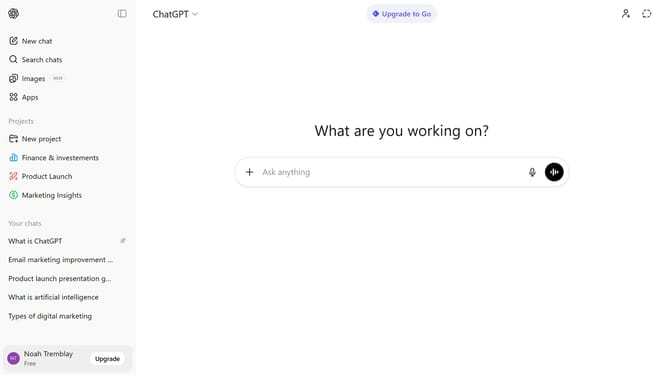
- First click on your profile section in the bottom-left sidebar
- Next click on "Settings" option from the user menu
- Click on "Data controls" option in the settings sidebar
- Next click on "Improve the model for everyone" section in the Data controls panel
- Then toggle off the "Improve the model for everyone" option
- Finally click on "Done" button to confirm the changes
Why should you turn off ChatGPT training on your content
ChatGPT is an advanced AI model designed to understand and generate human-like text to assist with a variety of tasks.
By turning off ChatGPT's training on your content, you gain greater control over your data privacy. This feature allows you to share information with confidence, knowing it won't contribute to further model training.
Additionally, disabling training ensures your unique insights and proprietary information remain exclusive, safeguarding your intellectual property.
Embracing this feature is a simple way to enhance privacy and protect your content's uniqueness.
Last update