How to clear the board in Zip on LinkedIn
Here is how to clear the board in zip on linkedin
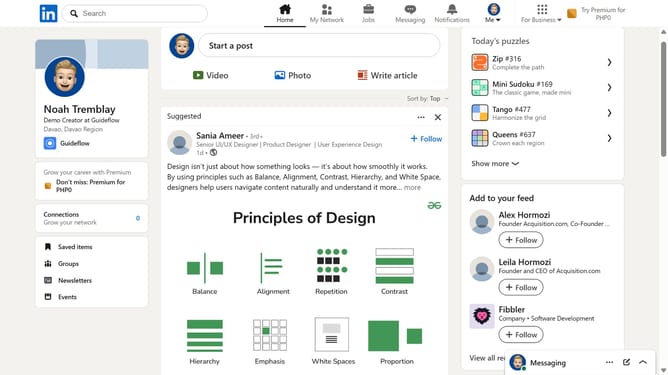
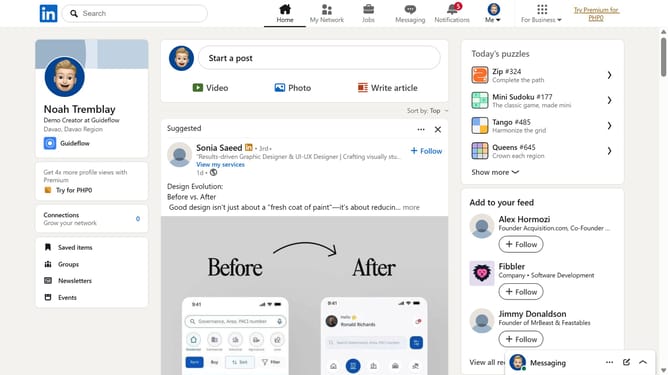
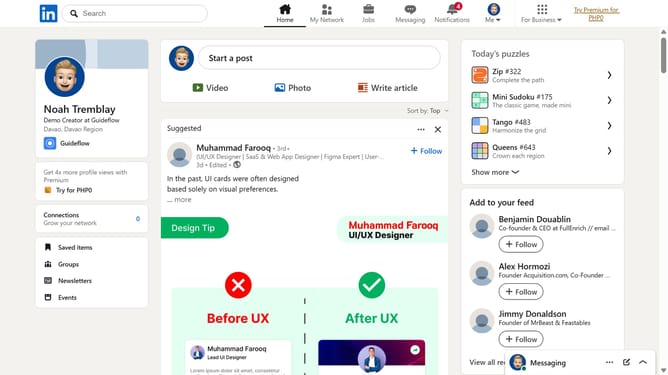
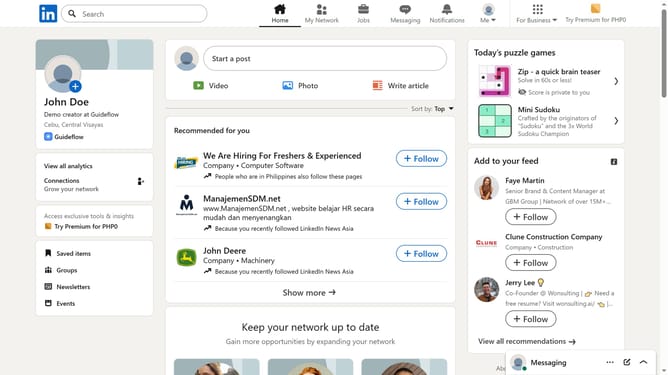
- First click on the "Zip" game card in the Today's puzzle games section on the right sidebar
- Then click on the "Clear" button in the top right corner of the game interface
- Finally click on the "Clear" button in the confirmation dialog to confirm clearing the game board
Why should you clear the board in Zip on LinkedIn
LinkedIn is the premier professional network connecting millions of users globally to foster career growth and opportunities.
The 'clear the board' feature in Zip on LinkedIn is designed to help you streamline your professional workflow.
By utilizing this feature, you can easily manage your tasks, increase focus, and enhance productivity.
Clearing the board means more time to engage with opportunities that propel your career forward.
Last update