How to signal your interest to recruiters in LinkedIn
Here is how to signal your interest to recruiters in linkedin
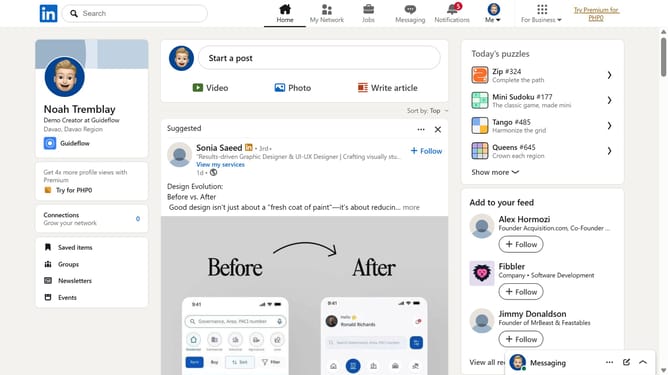
- First click on the "Me" dropdown menu in the top navigation bar
- Then click on "Settings & Privacy" option in the dropdown menu
- Next select "Data privacy" from the left sidebar menu
- Then click on "Signal your interest to recruiters at companies you've created job alerts for" option
- Finally click on the toggle switch next to "Signal interest to recruiters" to turn it on
Why should you signal your interest to recruiters in LinkedIn
LinkedIn is a powerful platform connecting professionals across the globe to explore career opportunities and build networks.
By signaling your interest to recruiters on LinkedIn, you enhance your visibility to those searching for potential candidates. This feature subtly communicates your willingness to entertain new professional opportunities without overtly stating it on your profile.
Utilizing this functionality elevates your chances in a competitive market, ensuring you stand out to potential employers actively seeking talent in your field.
Last update