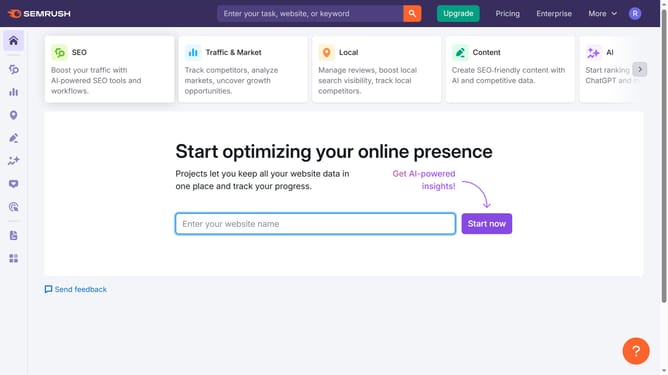
How to check informational intent keywords in Semrush
Here is how to check informational intent keywords in semrush
- First click on the "SEO" tab in the main navigation menu
- In the left-hand sidebar, click "Organic Research" under the "Competitive Research" section
- Enter your domain in the domain input field
- Click "Search" to open the Organic Research report
- Scroll down to the "Keywords by Intent" section
- Select "Informational" to view keywords with informational intent only
Why should you check informational intent keywords in Semrush
Semrush is a powerful digital marketing toolkit designed to help you enhance your online visibility and discover marketing insights.
Identifying informational intent keywords with Semrush allows you to target users seeking knowledge or information, optimizing your content to cater to their queries.
By focusing on these keywords, you can effectively drive more organic traffic and establish authority in your niche, as your content aligns perfectly with what users are searching to learn about.
Utilizing this feature ensures your content meets the evolving needs of your audience, fostering engagement and trust.
Last update