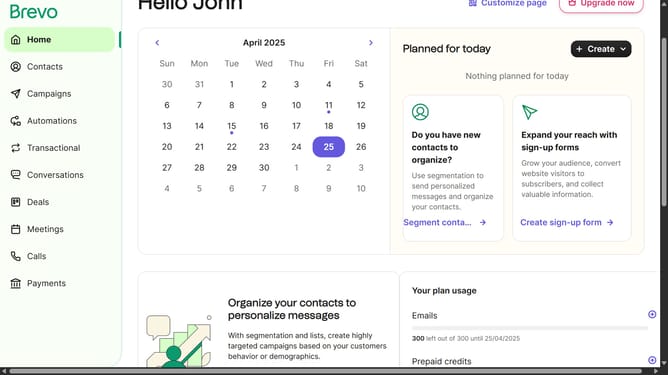
How to change a title of a contact list in Brevo
Here is how to change a title of a contact list in brevo
- First click on "Contacts" in the left sidebar navigation menu
- Then click on "Lists" in the submenu under Contacts section
- Next click on the folders dropdown menu in the main content area
- Then click on the folders list in the pop-up window panel
- Next click on the actions menu (three dots) for the "Sample List" item
- In the dropdown menu, select the "Rename" option
- Click in the "Name of the list" text field to edit the current name
- Finally, click the "Rename list" button in the bottom right corner of the dialog to confirm the changes
Why should you change a title of a contact list in Brevo
Brevo is a powerful tool designed to streamline your contact management effortlessly.
Changing the title of a contact list in Brevo is a seamless process that enhances organizational efficiency. Maintaining accurate and current titles ensures that you can quickly identify and access the right lists, making your communication strategy more effective.
By utilizing this feature, you support improved collaboration within your team and ensure that resources are directed precisely where they are needed. It's all about maximizing productivity and fostering informed decision-making.
Last update