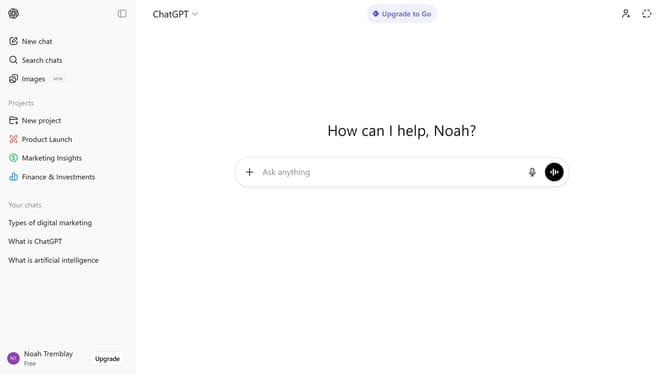
How to attach a document in ChatGPT
Here is how to attach a document in chatgpt
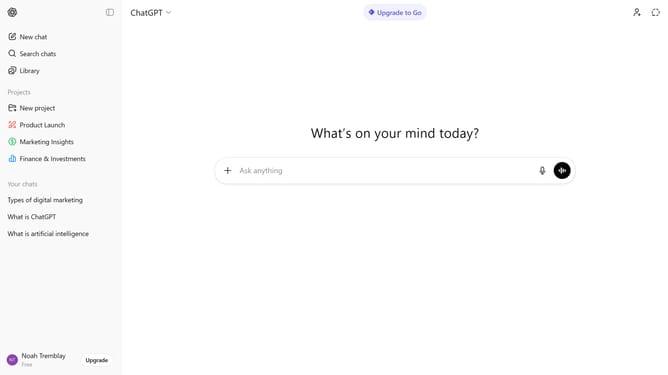
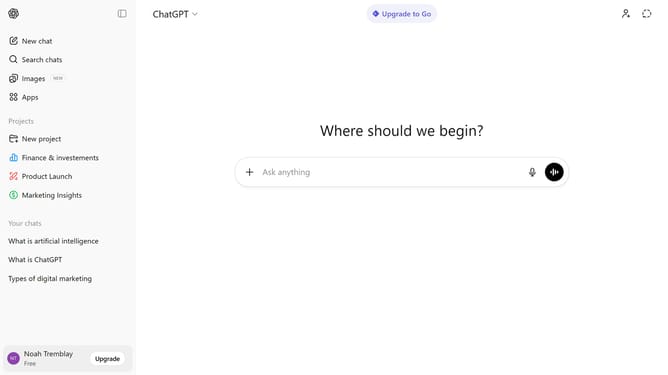
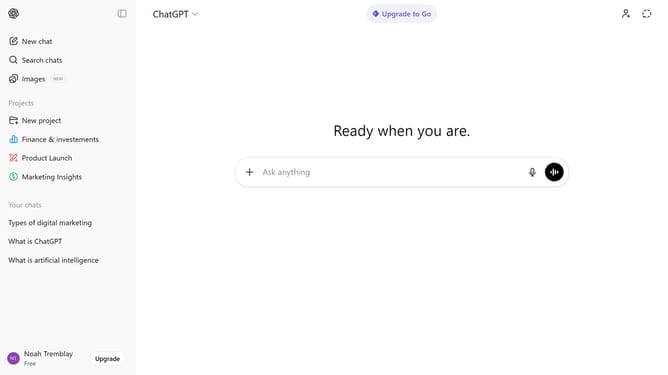
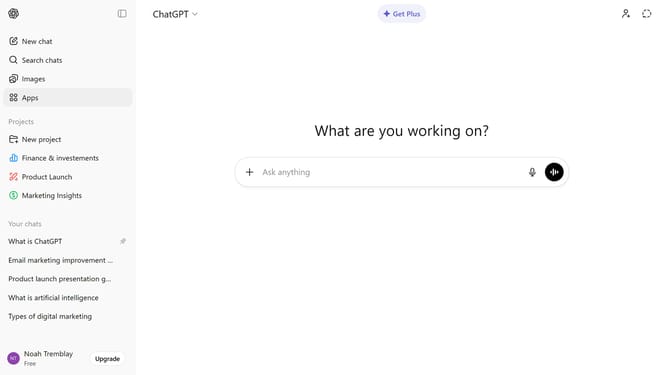
- First, start a new chat or open an existing conversation
- Next click on the "+" button to the left of the input field
- From the dropdown menu, select "Add photos & files" option and select the document from your device
- After that, wait for the file to finish uploading
- Finally, type your message or instructions
- ChatGPT can read and analyze the attached file within the conversation
Why should you attach a document in ChatGPT
ChatGPT is an intelligent conversational agent designed to assist with a variety of tasks and engage in meaningful dialogue.
The feature of attaching documents in ChatGPT enhances its functionality by allowing users to seamlessly share important files during an interaction. This integration enriches the conversational experience by making it more comprehensive and context-driven.
By enabling document attachments, ChatGPT streamlines workflows, ensuring crucial data is easily accessible and discussions are informed, efficient, and effective.
Last update