How to allow your content to be used to train ChatGPT
Here is how to allow your content to be used to train chatgpt
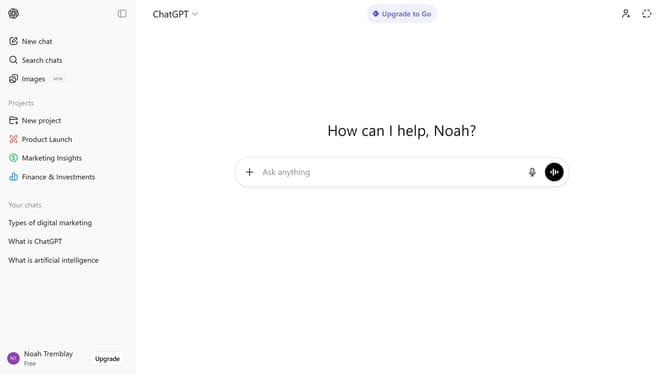
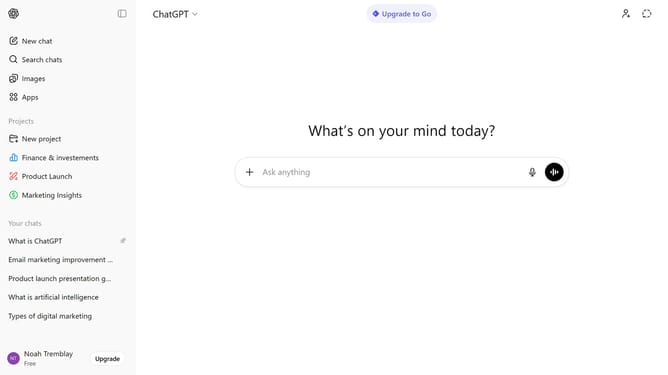
- First click on your profile section in the bottom left of the sidebar
- Next click on "Settings" menu in the user profile menu
- Click on "Data controls" option in the settings left navigation menu
- Next click on the "Improve the model for everyone" option in the data controls panel
- Then toggle on the "Improve the model for everyone" option
- Finally click on "Done" button to save changes
Why should you allow your content to be used to train ChatGPT
ChatGPT is an advanced AI language model crafted to facilitate understanding and communication through human-like text generation.
By allowing your content to be used to train ChatGPT, you contribute to the refinement and enhancement of this cutting-edge technology. Your input can help create more accurate, nuanced, and relevant responses that benefit a global audience.
Your contribution fosters a more dynamic learning environment for ChatGPT, ensuring its continuous improvement and adaptability across varied topics, ultimately enriching user interactions.
Last update