How to add a file to a chat in ChatGPT
Here is how to add a file to a chat in chatgpt
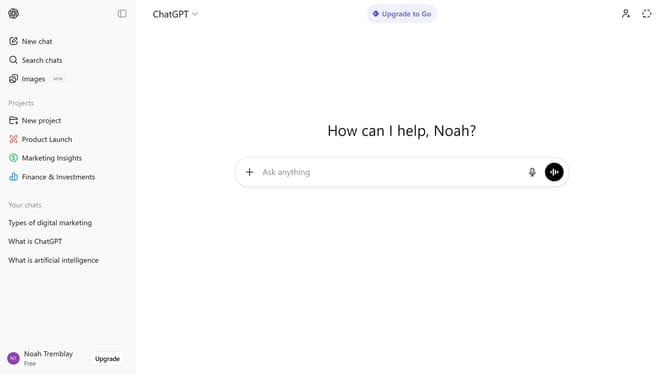
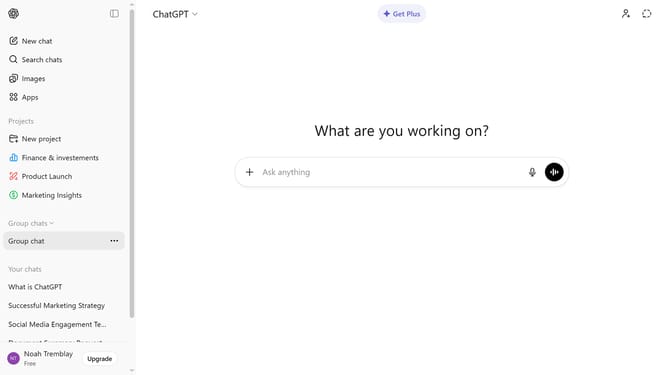
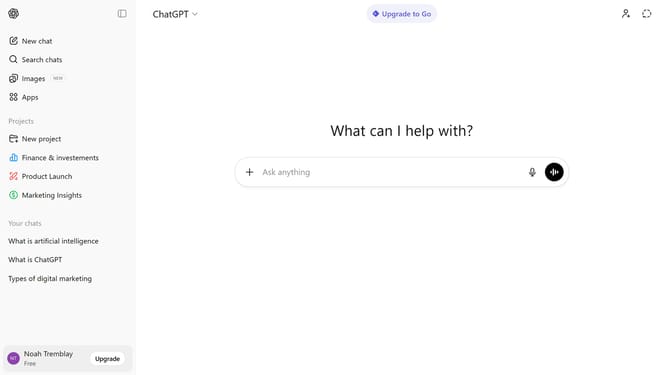
- First, start a new chat or open an existing conversation
- Next click on the "+" button to the left of the input field
- From the dropdown menu, select "Add photos & files" option and select the file from your device
- After that, wait for the file to finish uploading
- Finally, send your message to include the file in the conversation
- ChatGPT can read and analyze the attached file within the conversation
Why should you add a file to a chat in ChatGPT
ChatGPT is an advanced conversational AI designed to assist and engage users through intelligent dialogue.
Adding a file to a chat in ChatGPT enhances communication by seamlessly integrating relevant documents into the conversation. This feature supports a more dynamic interaction, enabling users to share critical information quickly and effortlessly.
Utilizing file sharing within ChatGPT fosters more efficient collaborations, streamlining the exchange of insights, data, and ideas without disruption. This leads to enriched conversational experiences and informed decision-making.
Last update