How to connect Quizzes to ChatGPT
Here is how to connect quizzes to chatgpt
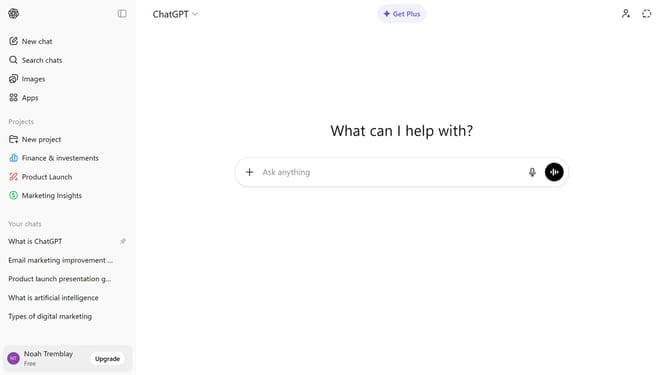
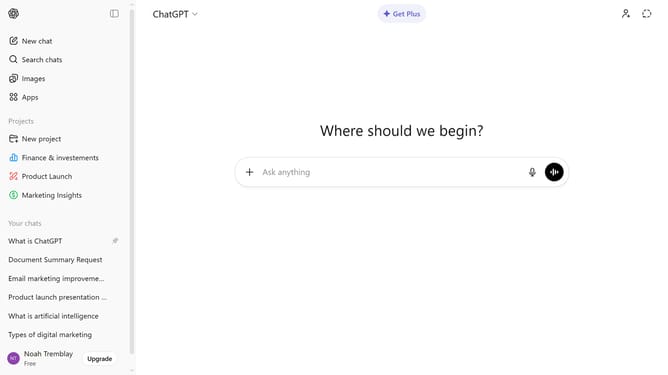
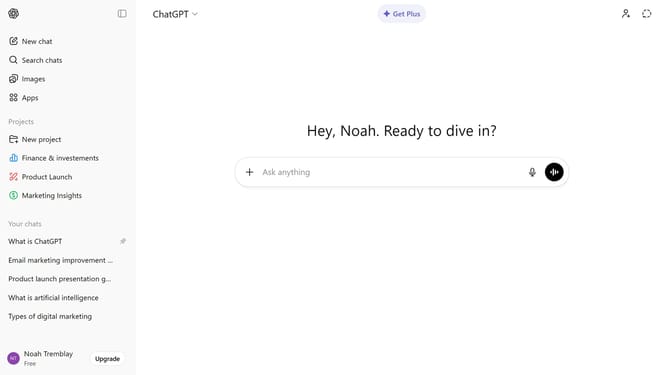
- First click on the "Apps" option in the left sidebar
- Next, click the search field and type "Quizzes"
- Then click on "Quizzes" from the search results
- Click on the "Connect" button in the top right area of the app details page
- Finally click on the "Connect" button in the connection confirmation dialog box
- Quizzes is now connected and ready to use
Why should you connect Quizzes to ChatGPT
ChatGPT is an advanced AI model designed to enhance communication and information retrieval in a conversational manner.
Connecting quizzes to ChatGPT allows for interactive learning by leveraging its vast knowledge base to provide instant feedback and insights.
This integration aids educators and learners alike by fostering an engaging and dynamic environment that adapts to individual needs and enhances understanding.
Ultimately, using quizzes with ChatGPT optimizes the learning experience, making it more efficient and enjoyable.
Last update