How to add a Opinion Scale content to an existing typeform in Typeform
Here is how to add a opinion scale content to an existing typeform in typeform
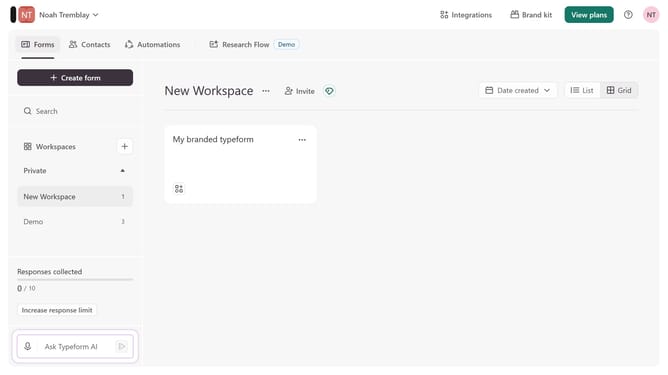
- First click on the a workspace item in the sidebar
- Then click on the "..." icon next to a chosen Typeform
- Then select "Content" from the dropdown menu
- Then click on the "+ Add content" button
- Finally select "Opinion Scale" from the "Rating & ranking" section
Why should you add a Opinion Scale content to an existing typeform in Typeform
Typeform revolutionizes data collection by transforming surveys into engaging and interactive experiences.
Incorporating an Opinion Scale into your existing typeform provides a simple and effective way to gauge user sentiment on a continuum. This feature is designed to offer respondents a visual scale, allowing for nuanced feedback beyond binary choices.
Utilizing the Opinion Scale enhances the depth of your understanding, as it captures varied perspectives, enabling you to make more informed decisions based on the richer data collected.
Last update