How to add a Hubspot content to a form in Typeform
Here is how to add a hubspot content to a form in typeform
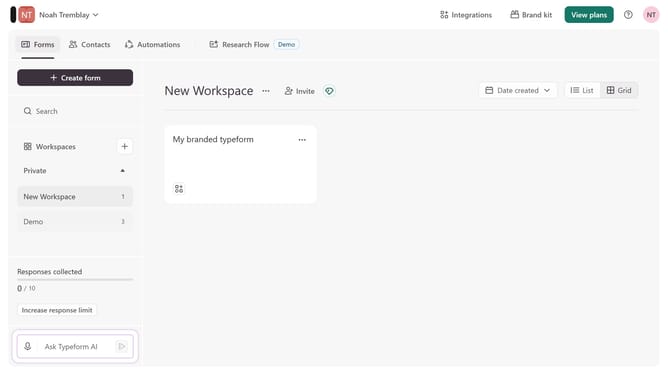
- First click on the a workspace item in the sidebar
- Then click on the "..." icon next to a chosen Typeform
- Then select "Content" from the dropdown menu
- Then click on the "+ Add content" button
- Finally select "Hubspot" from the "Connect to apps" section
Why should you add a Hubspot content to a form in Typeform
Typeform is a versatile tool designed to create engaging and conversational online forms.
Integrating HubSpot content into a Typeform form elevates user interaction by allowing a seamless flow of information and enhanced user experience.
This feature makes collecting and managing data more efficient by directly syncing responses into HubSpot, thus optimizing workflow and enhancing productivity.
By bridging Typeform with HubSpot, you streamline the user journey, ensuring that data captured is accurately processed and utilized effectively.
Last update