How to add a Clarify with AI content to a typeform in Typeform
Here is how to add a clarify with ai content to a typeform in typeform
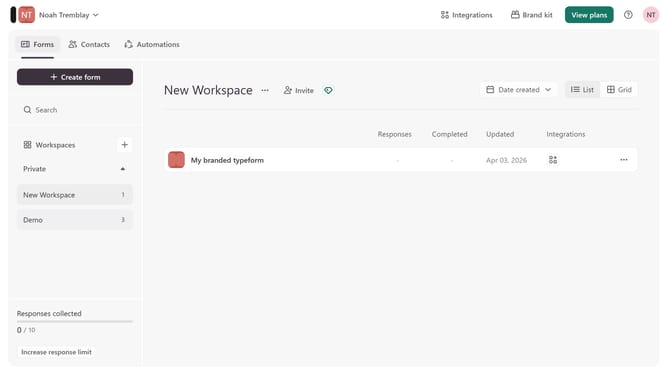
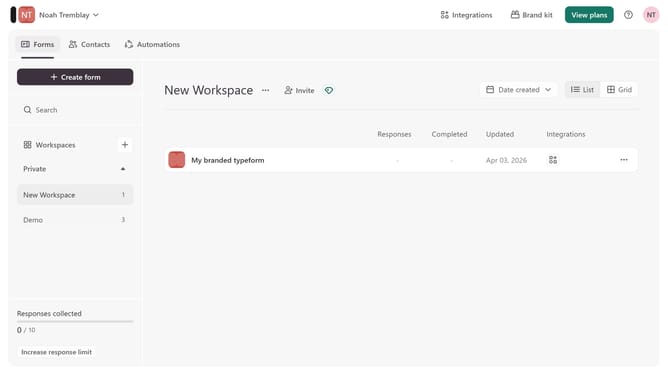
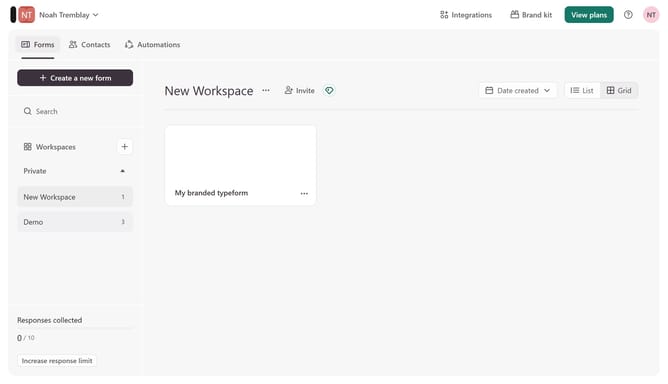
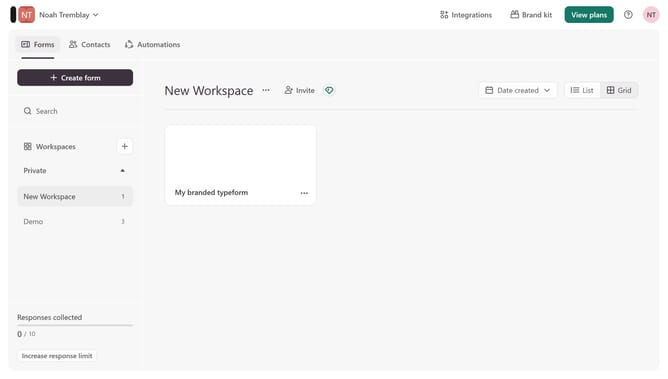
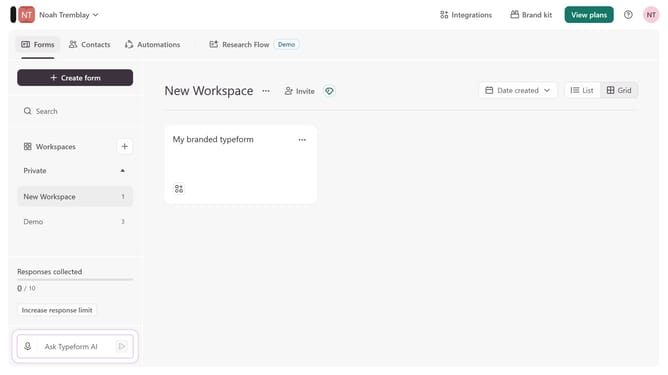
- First click on the a workspace item in the sidebar
- Then click on the "..." icon next to a chosen Typeform
- Then select "Content" from the dropdown menu
- Then click on the "+ Add content" button
- Finally select "Clarify with AI" from the "Text & Video" section
Why should you add a Clarify with AI content to a typeform in Typeform
Typeform revolutionizes data collection with interactive and intuitive forms designed for a personalized experience.
Enhance your typeform by integrating Clarify with AI content, a feature that enriches responses with clarity and precision.
By embedding AI-driven content, you not only streamline the interaction but also provide insightful and immediate answers to users.
This not only saves time but also elevates the user experience, ensuring that respondents feel engaged and informed throughout their journey.
Last update