How to pull data in through a utm_medium parameter into a typeform in Typeform
Here is how to pull data in through a utm_medium parameter into a typeform in typeform
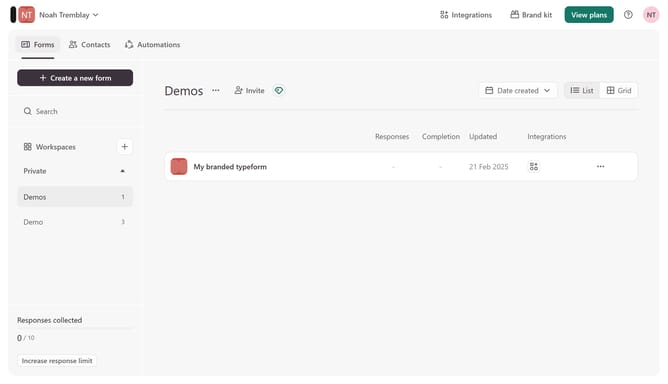
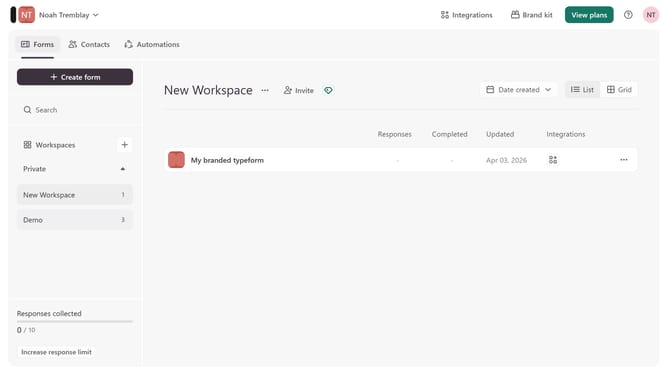
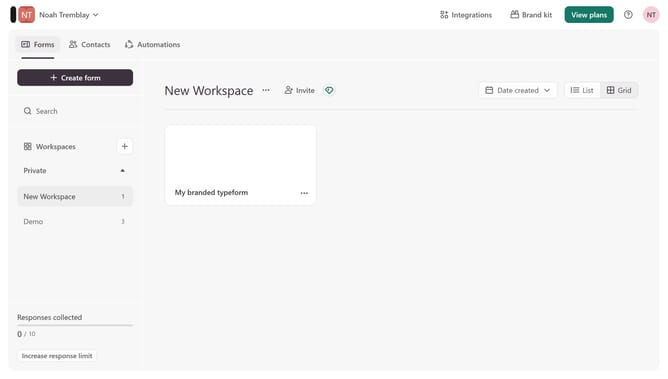
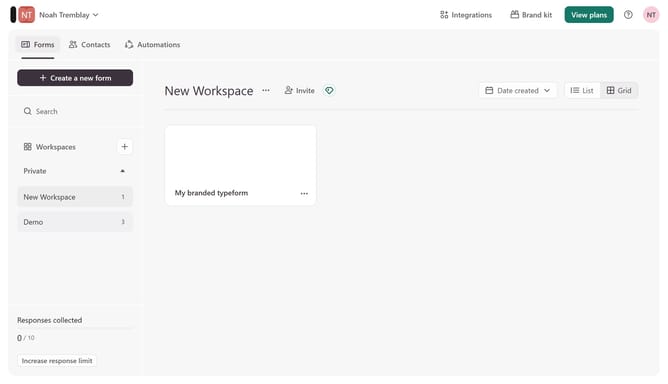
- First click on a workspace item in the left sidebar
- Then click on the "..." icon to the right of "My branded typeform"
- Next select "Workflow" from the dropdown menu
- Then click on the "+" icon under "Pull data in"
- Then enable the utm_medium parameter under Source tracking
- Finally click on the "Save" button
Why should you pull data in through a utm_medium parameter into a typeform in Typeform
Typeform is an intuitive tool for creating interactive, user-friendly forms that engage audiences.
By leveraging the utm_medium parameter, you can seamlessly pull data into a Typeform, enhancing the analytical power of your form interactions.
Using this feature allows you to track how different mediums drive responses, providing valuable insights into your marketing effectiveness.
This capability empowers you to refine your strategies, focusing on the channels that deliver the best engagement and optimizing your approach for maximum impact.
Last update