How to integrate a workspace to Zoho CRM via Sales in Typeform
Here is how to integrate a workspace to zoho crm via sales in typeform
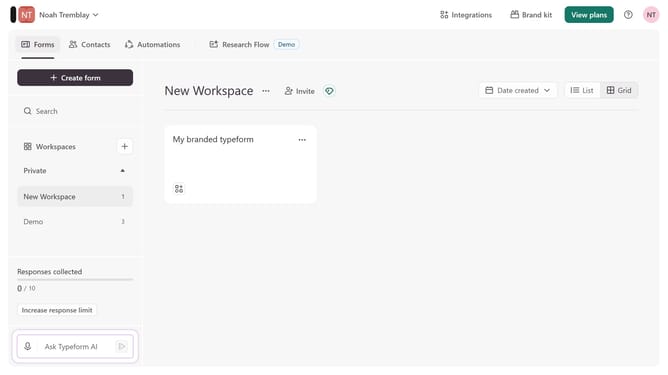
- First click on a workspace in the main navigation
- Then click on the "Integrations" button in the header
- Next, click on the "Find an integration" button
- After that, select "Sales" from the categories list on the left sidebar
- Finally, click on the "Zoho CRM" integration card
Why should you integrate a workspace to Zoho CRM via Sales in Typeform
Typeform is a dynamic platform designed to transform interactions into memorable experiences through engaging forms.
Integrating a workspace to Zoho CRM via Sales in Typeform amplifies the potential of streamlined data flow and enhanced customer relationships.
This feature allows for seamless alignment of team efforts, merging insightful data collection with sophisticated CRM processes. Using this integration enhances efficiency, ensuring that information from Typeform feeds directly into your CRM, minimizing manual input and potential errors.
By utilizing Typeform's integration capabilities, businesses can foster better-informed decisions and elevate their customer engagement strategies.
Last update