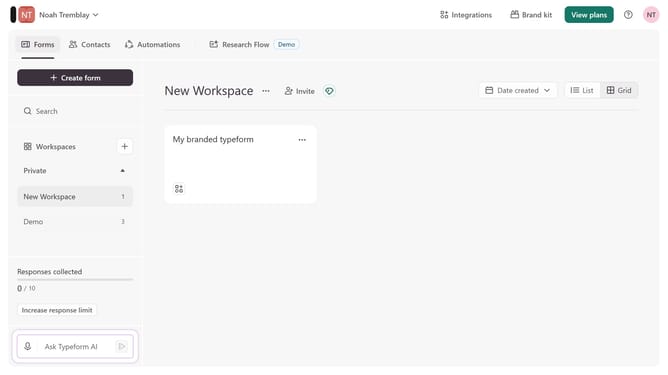
How to add a Contact Info content to a form in Typeform
Here is how to add a contact info content to a form in typeform
- First click on the a workspace item in the sidebar
- Then click on the "..." icon next to a chosen Typeform
- Then select "Content" from the dropdown menu
- Then click on the "+ Add content" button
- Finally select "Contact Info" from the "Contact Info" section
Why should you add a Contact Info content to a form in Typeform
Typeform is a user-friendly platform designed to create engaging and interactive forms with ease.
Adding Contact Info content to a form in Typeform enhances the form's functionality by allowing you to easily collect essential contact details from respondents. This feature streamlines the data collection process, ensuring that you have accurate information for follow-ups and communication.
Incorporating contact fields not only simplifies data management but also promotes more meaningful interactions with your audience. This helps in building lasting relationships, supporting business growth and customer satisfaction.
Last update