How to add a note to favorites in Attio
Here is how to add a note to favorites in attio
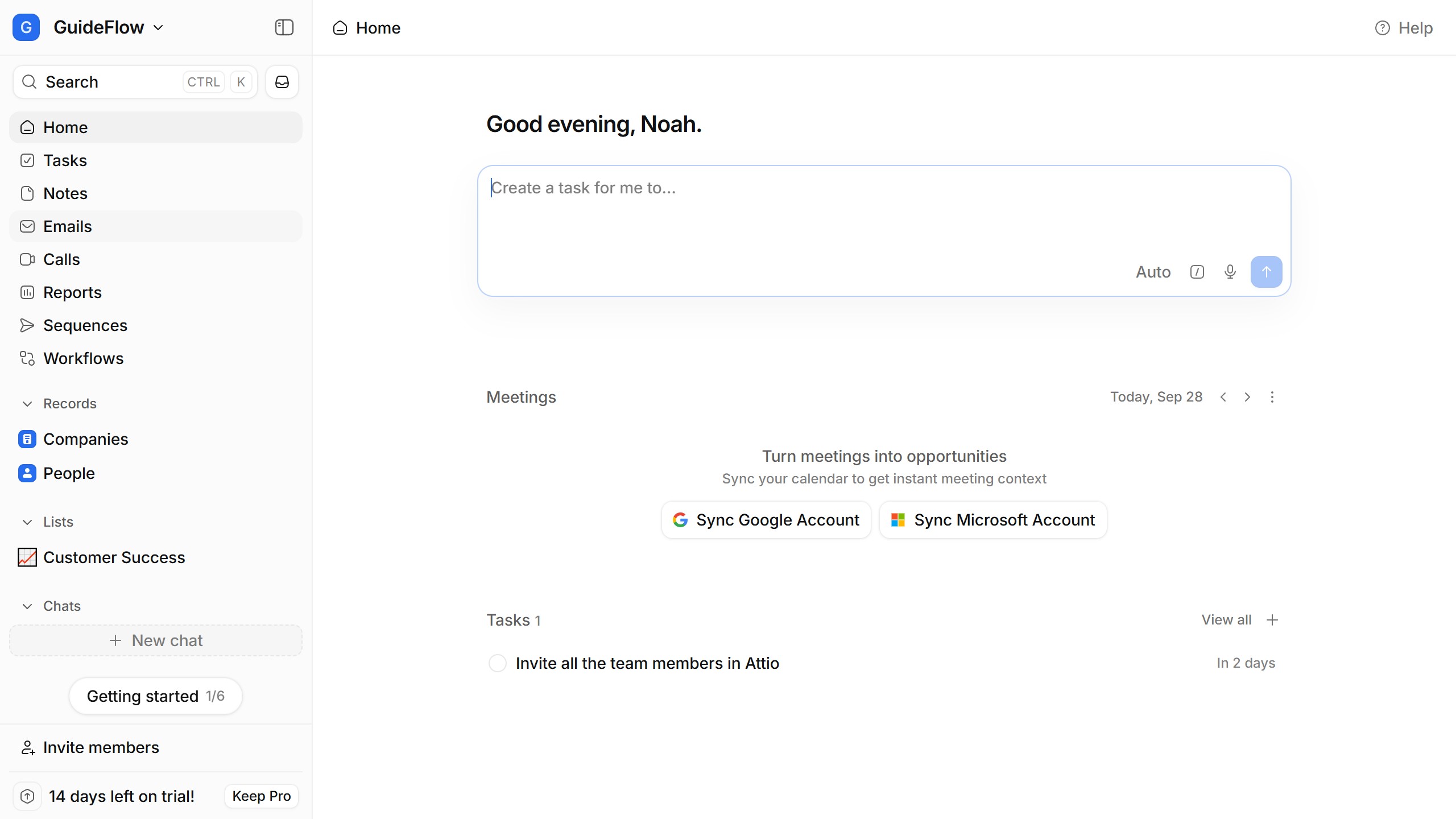
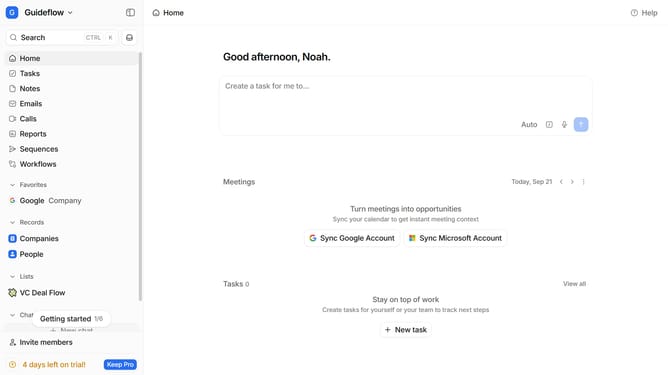
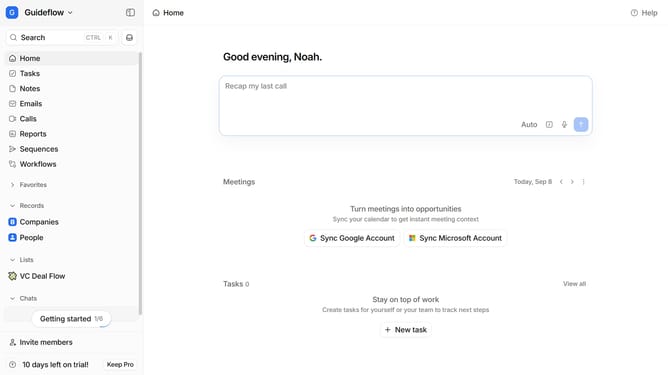
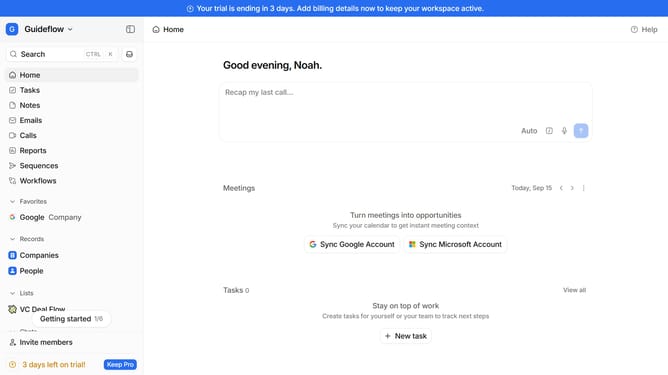
- First click on "Notes" in the sidebar
- Then hover your mouse cursor over the note that you want to add to your favorites
- Next click on the three dots icon to open the options menu
- Finally select "Add to favorites" from the options
Why should you How to add a note to favorites in Attio
Attio is an intuitive platform designed to streamline your contact management effortlessly.
Adding a note to favorites in Attio empowers you to keep essential insights at your fingertips. With this feature, you can easily mark important pieces of information, ensuring that they are readily accessible whenever needed.
Utilizing this function enhances your workflow by providing quick access to crucial notes, minimizing the time spent searching for key details.
By leveraging this capability, you maintain an organized and efficient note management system, enhancing productivity and focus.
Last update