How to add a Net Promoter Score content to an existing form in Typeform
Here is how to add a net promoter score content to an existing form in typeform
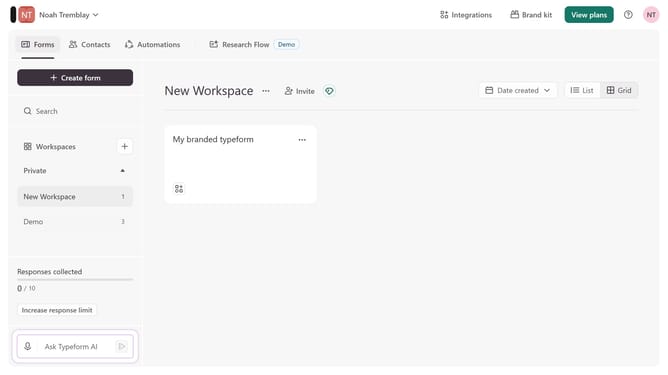
- First click on the a workspace item in the sidebar
- Then click on the "..." icon next to a chosen Typeform
- Then select "Content" from the dropdown menu
- Then click on the "+ Add content" button
- Finally select "Net Promoter Score" from the "Rating & ranking" section
Why should you add a Net Promoter Score content to an existing form in Typeform
Typeform revolutionizes data collection with its engaging, interactive forms.
Incorporating a Net Promoter Score (NPS) into your existing Typeform survey can enhance your understanding of customer satisfaction. This feature allows you to seamlessly gauge customer loyalty by asking respondents a simple question about their likelihood to recommend your service.
Adding an NPS question helps you easily identify promoters and detractors, providing actionable insights to improve your business strategies and foster stronger customer relationships.
Last update