How to add a FAQ with AI content to an existing form in Typeform
Here is how to add a faq with ai content to an existing form in typeform
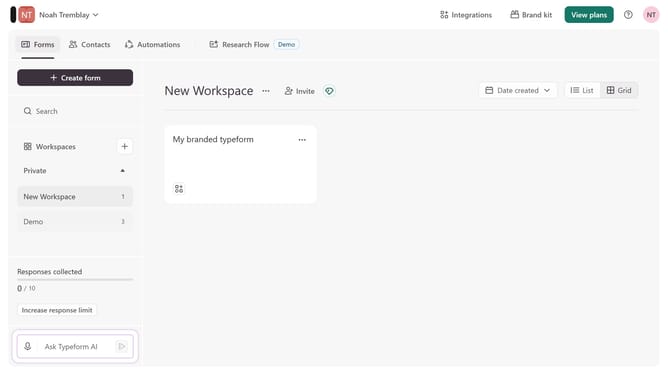
- First click on the a workspace item in the sidebar
- Then click on the "..." icon next to a chosen Typeform
- Then select "Content" from the dropdown menu
- Then click on the "+ Add content" button
- Finally select "FAQ with AI" from the "Text & Video" section
Why should you add a FAQ with AI content to an existing form in Typeform
Typeform is an intuitive platform designed for creating engaging and interactive forms and surveys.
Integrating a FAQ with AI content into an existing Typeform form is a game-changer, enhancing user experience by providing instant answers to common questions.
This feature empowers form creators to preemptively address respondent needs, resulting in increased completion rates and satisfied participants.
By leveraging AI for FAQs, forms become smarter, fostering efficient communication without losing the personal touch.
Last update