How to add a Partial Submit Point content to an existing form in Typeform
Here is how to add a partial submit point content to an existing form in typeform
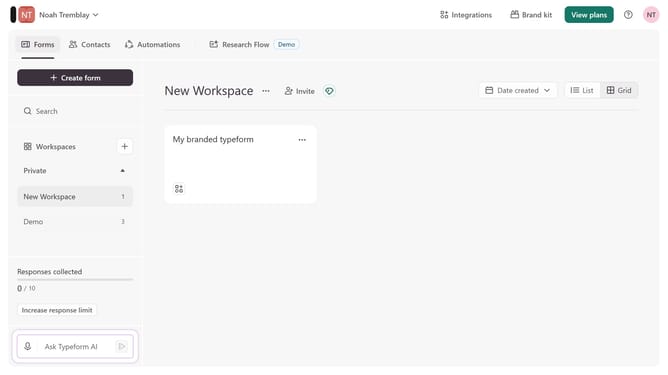
- First click on the a workspace item in the sidebar
- Then click on the "..." icon next to a chosen Typeform
- Then select "Content" from the dropdown menu
- Then click on the "+ Add content" button
- Finally select "Partial Submit Point"
Why should you add a Partial Submit Point content to an existing form in Typeform
Typeform is an intuitive online tool for creating conversational forms and surveys with ease.
Adding a Partial Submit Point to an existing form in Typeform allows users to save their progress, enhancing the user experience by preventing data loss and encouraging higher completion rates.
This feature is especially beneficial in long forms, as it provides flexibility for users who may not have all the necessary information readily available during their initial session.
By implementing Partial Submit Points, creators can collect partial data efficiently while offering participants a seamless and supportive interaction.
Last update