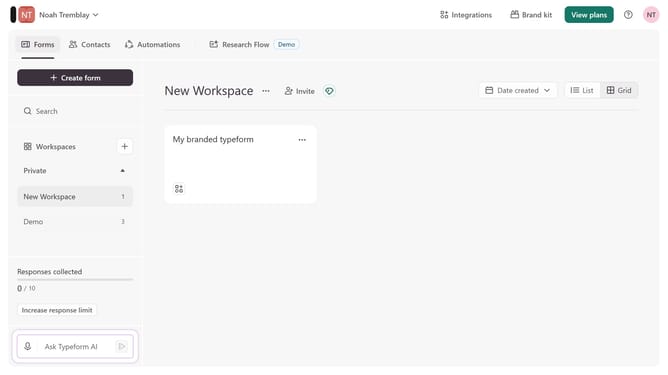
How to integrate a workspace to Zendesk via Zapier through Zapier via Lead generation in Typeform
Here is how to integrate a workspace to zendesk via zapier through zapier via lead generation in typeform
- First click on a workspace item in the sidebar
- Then click on "Integrations" in the top menu
- Next click on "Find an integration" button
- After that select "Customer Support" from the categories list
- Finally click on "Zendesk via Zapier" integration
Why should you integrate a workspace to Zendesk via Zapier through Zapier via Lead generation in Typeform
Typeform is an interactive platform designed to turn forms into engaging conversations.
Integrating a workspace to Zendesk via Zapier takes your lead generation from Typeform to a new level. This seamless connection enhances your workflow by automatically funneling leads collected through Typeform directly into your Zendesk environment.
This integration ensures that your team never misses an invaluable lead, boosting your customer support and sales efficiency. By harnessing the power of automation, you save time and increase productivity, making your business operations smoother and more effective.
Last update