How to add a Legal content to a typeform in Typeform
Here is how to add a legal content to a typeform in typeform
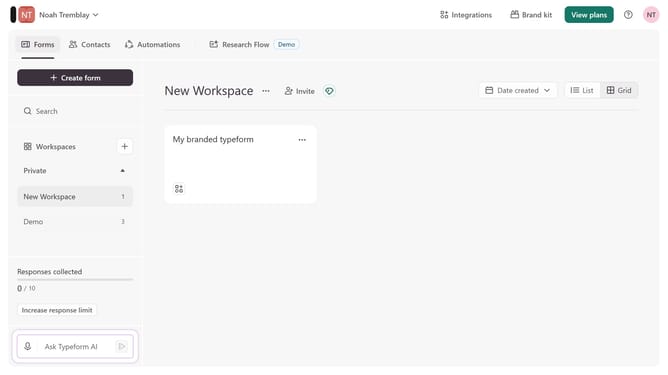
- First click on the a workspace item in the sidebar
- Then click on the "..." icon next to a chosen Typeform
- Then select "Content" from the dropdown menu
- Then click on the "+ Add content" button
- Finally select "Legal" from the "Choice" section
Why should you add a Legal content to a typeform in Typeform
Typeform revolutionizes digital interactions by transforming surveys into engaging conversations.
Adding legal content to a Typeform ensures transparency and builds trust, allowing users to fully comprehend the terms they are agreeing to. This feature, seamlessly integrated, helps foster a compliant, informative environment that aligns with privacy protocols and regulations.
By embedding legal content, businesses not only protect themselves legally but also show respect for their audience's rights, enhancing user experience and reinforcing credibility.
Last update