How to access saved posts in LinkedIn
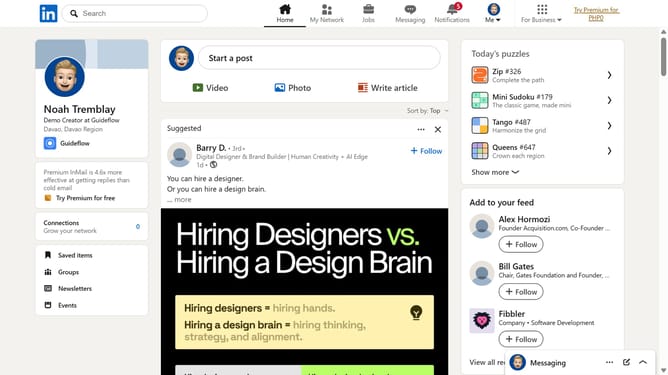
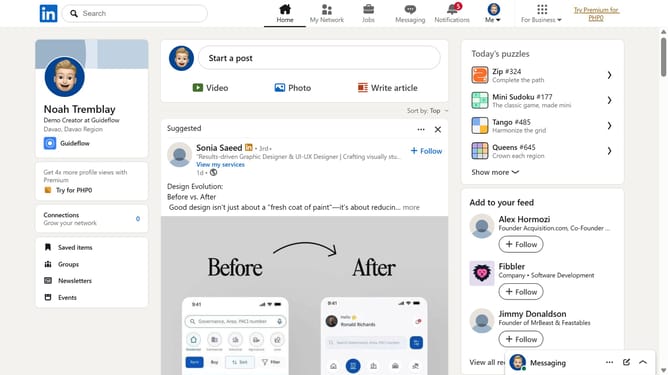
Here is how to access saved posts in linkedin
- First click on "Saved items" link in the left sidebar
- Then click on "Saved posts and articles" link in the left sidebar menu
- Finally view the saved posts displayed in the main content area
Why should you access saved posts in LinkedIn
LinkedIn is the world's premier platform for professionals to connect, share, and grow.
One invaluable feature of LinkedIn is the ability to access saved posts. This feature allows users to effortlessly revisit important content they’ve marked as noteworthy. Whether it's a thought-provoking article, a potential job opportunity, or an insightful comment, saved posts keep valuable information at your fingertips.
Utilizing the saved posts feature not only enhances productivity but also ensures that pertinent content is never lost, making professional growth and networking more efficient than ever.
Last update