How to turn off connections related notifications on LinkedIn
Here is how to turn off connections related notifications on linkedin
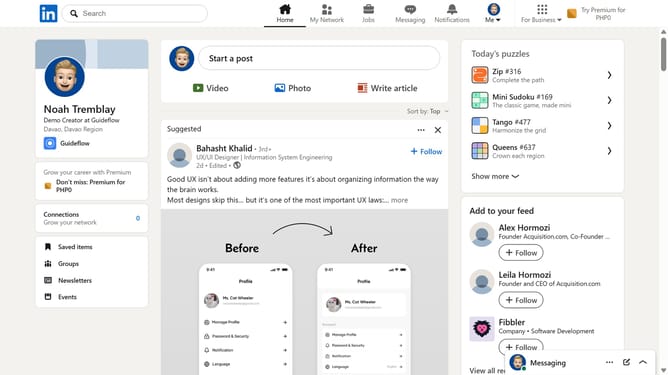
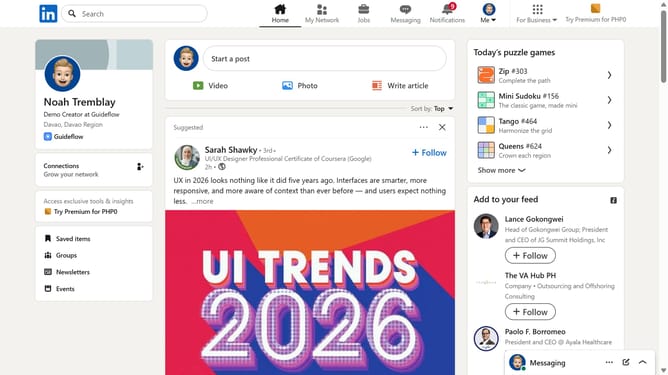
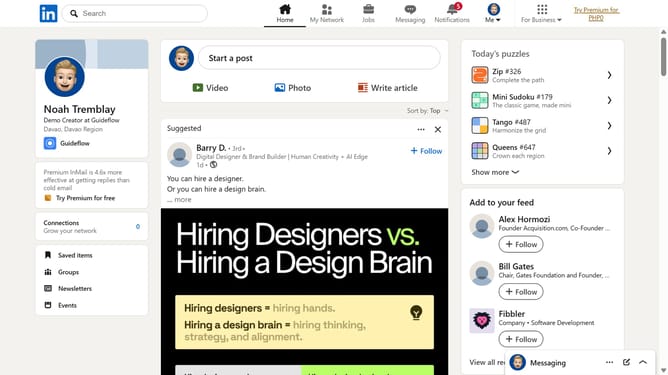
- First click on the "Me" dropdown menu in the top navigation bar
- Then click on "Settings & Privacy" option in the dropdown menu
- Then click on "Notifications" section in the left sidebar
- Then click on "Connecting with others" option in the notifications settings
- Finally toggle off the "Allow connections related notifications" switch at the top of the page
Why should you turn off connections related notifications on LinkedIn
LinkedIn is a professional networking platform designed to connect individuals and businesses around the globe.
One beneficial feature is the ability to turn off notifications related to connections, which allows you to maintain focus by minimizing distractions.
This feature is especially beneficial for keeping your workflow uninterrupted, managing your online presence effectively, and maintaining a clutter-free notification feed.
Streamlining your notifications ensures you focus only on what's most important to your professional growth.
Last update