How to view saved jobs in LinkedIn
Here is how to view saved jobs in linkedin
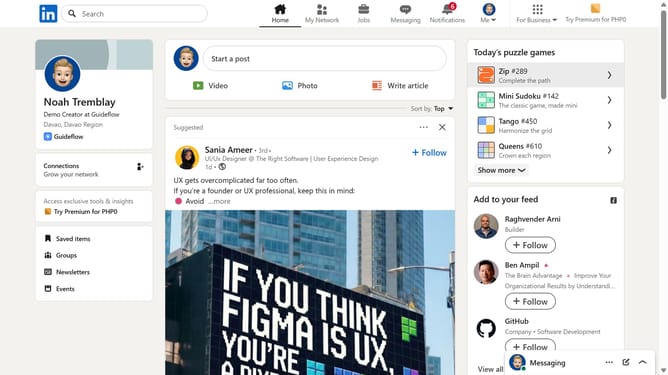
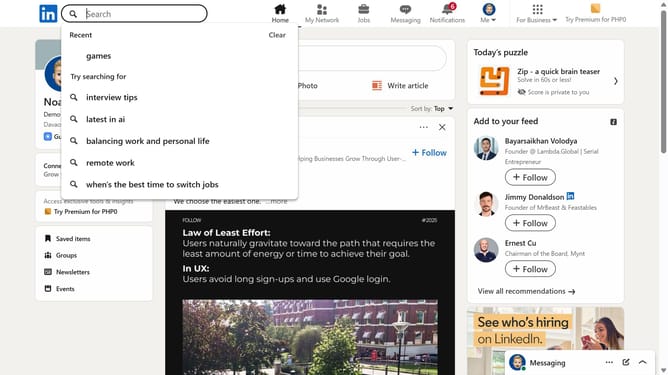
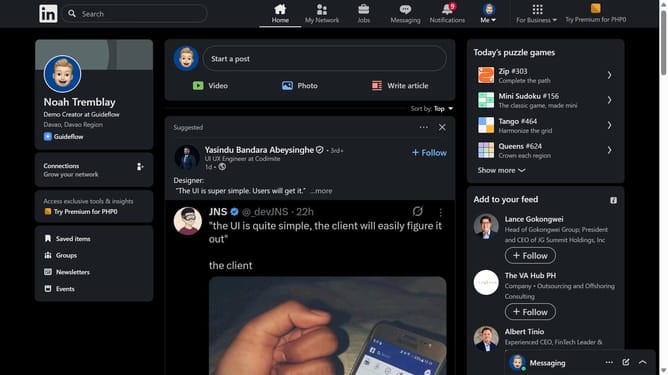
- First click on the "Jobs" button in the top navigation menu
- Then select "My jobs" option from the left sidebar menu
- Finally click on the "Saved" tab in the jobs status filter bar
Why should you view saved jobs in LinkedIn
LinkedIn is the leading platform connecting professionals worldwide to opportunities.
Its feature to view saved jobs empowers users to efficiently track potential career paths at their convenience.
Having a dedicated space for saved opportunities allows seamless comparison and prioritization of roles, enhancing the job search experience.
Ultimately, it offers users a structured approach to career advancement without missing out on exciting opportunities.
Last update