How to use the classic editor automation in Brevo
Here is how to use the classic editor automation in brevo
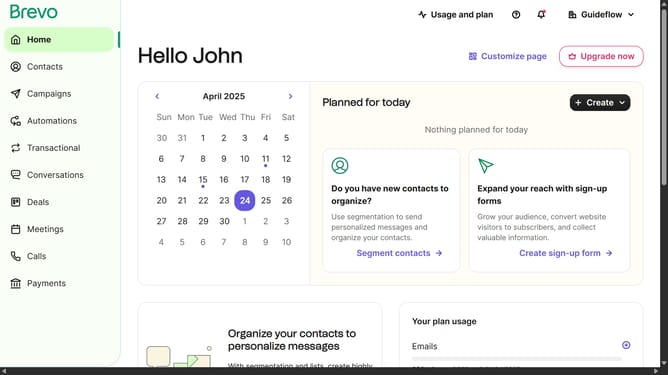
- First click on the "Automations" link in the left sidebar menu
- Then click on the "Create an automation" button in the top-right corner
- Next click on the "Create from scratch" dropdown in the modal window
- Then click on the "Classic editor" option in the dropdown menu
- Next click and type on the automation name input field
- Finally click on the "Create automation" button at the bottom of the modal
Why should you use the classic editor automation in Brevo
Brevo is a dynamic platform designed to streamline your communication workflows effortlessly.
Using the classic editor automation, Brevo simplifies the process of crafting and managing consistent email campaigns.
By leveraging this feature, users can save time, enhance productivity, and maintain a cohesive brand message.
Classic editor automation enables precise control, ensuring each message is not only timely but also effectively tailored to audience needs.
Last update