How to upload an image in ChatGPT
Here is how to upload an image in chatgpt
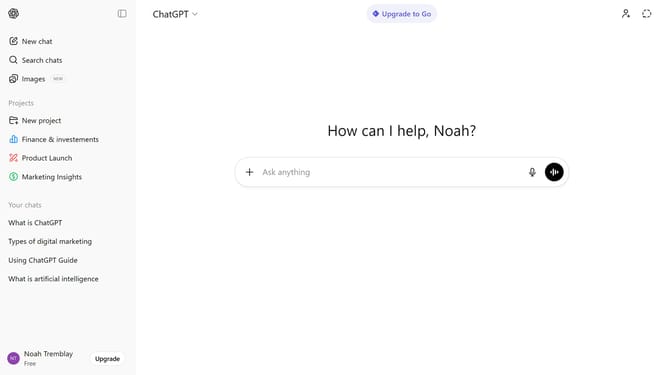
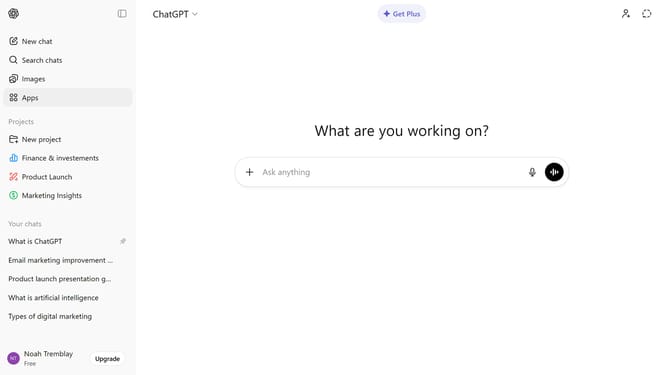
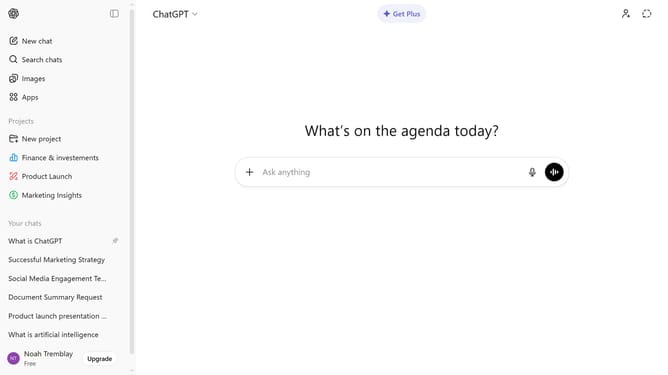
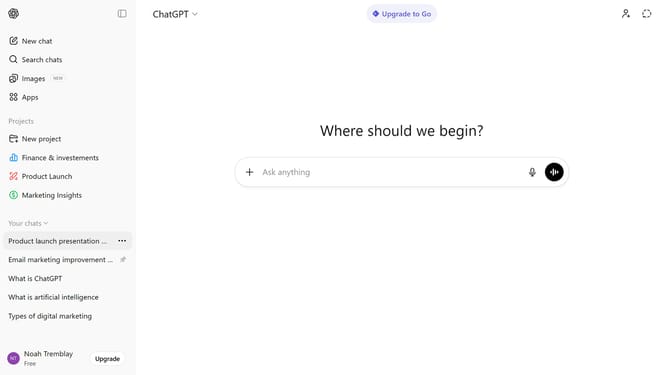
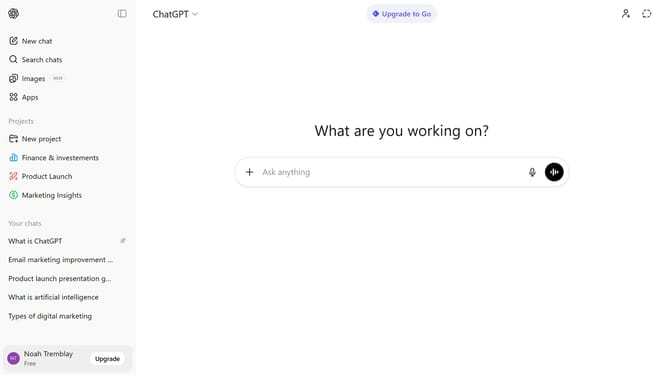
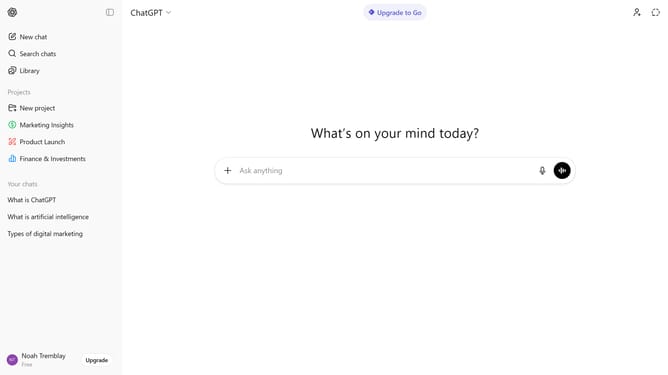
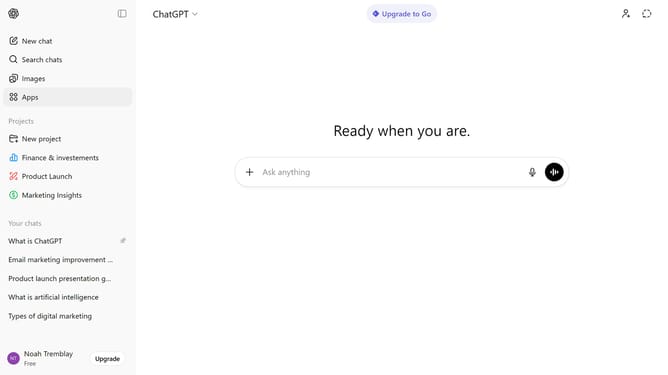
- First, start a new chat or open an existing conversation
- Next click on the "+" button to the left of the input field
- From the dropdown menu, select "Add photos & files" option and upload the image from your device
- After that, wait for the image to finish uploading
- Finally, send your message to include the image in the chat
Why should you upload an image in ChatGPT
ChatGPT is an advanced conversational tool designed to facilitate engaging dialogues with users.
One of its standout features is the ability to upload images, which adds a visual dimension to the conversational experience.
This feature not only enriches interactions by providing visual context but also enhances understanding and clarity in communication.
Using image uploads in ChatGPT allows users to express ideas more creatively and can make discussions more dynamic and interactive.
Last update