How to view a project in ChatGPT
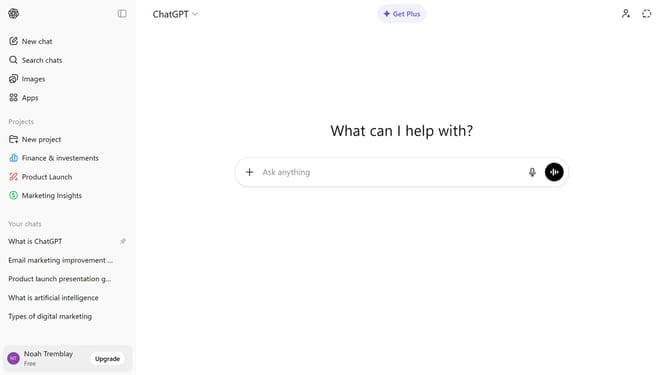
Here is how to view a project in chatgpt
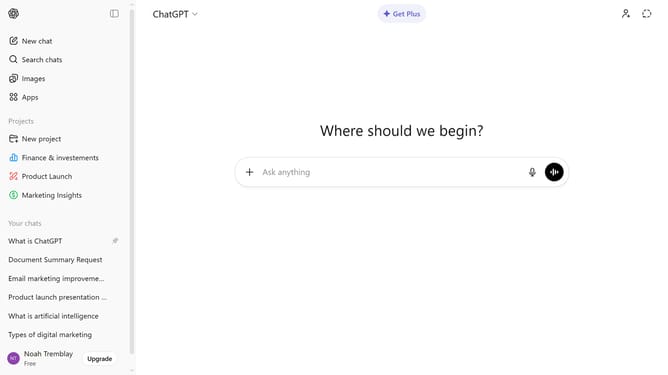
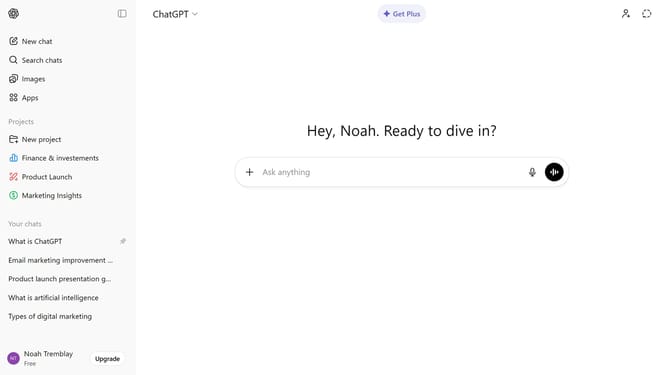
- First locate the Projects section in the sidebar
- Then click on the project you want to view under the Projects section
- The project will open, showing all chats, files, and collaborators inside
Why should you view a project in ChatGPT
ChatGPT is a powerful conversational AI designed to provide insightful answers and creative assistance.
Viewing a project in ChatGPT allows you to seamlessly access and review a collection of relevant conversational interactions and ideas.
This feature enhances your ability to efficiently manage and navigate through complex information, making it easier to keep track of ongoing projects and tasks.
With quick access to essential information, you can make informed decisions and accelerate your workflow.
Last update