How to attach a file in ChatGPT
Here is how to attach a file in chatgpt
- First, start a new chat or open an existing conversation
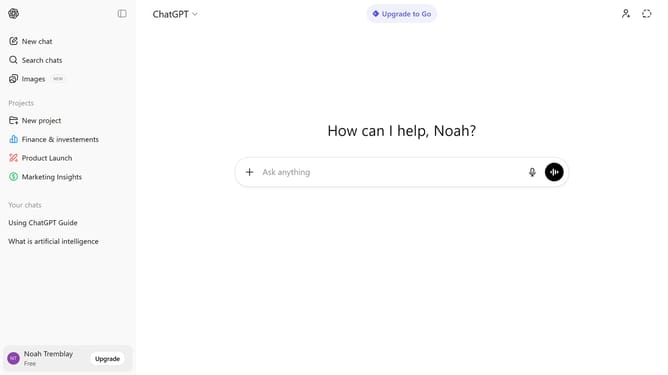
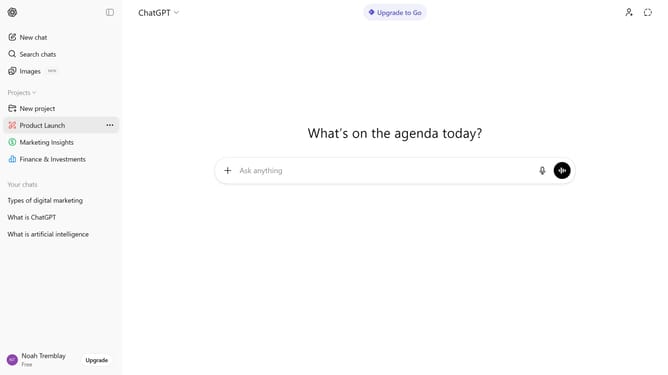
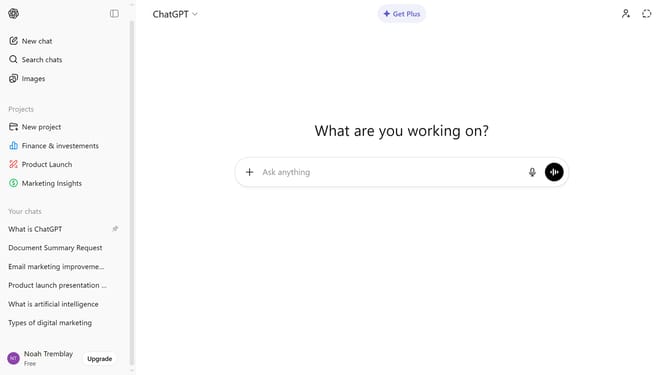
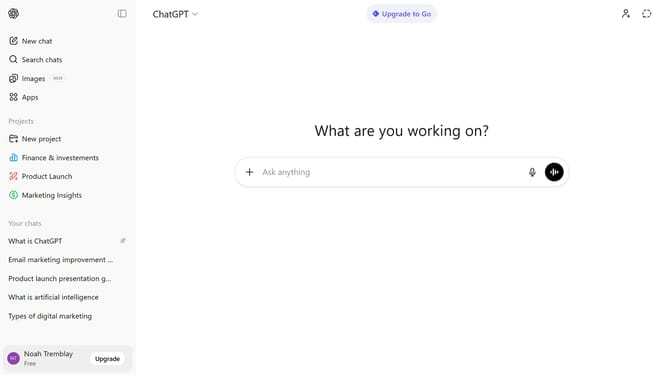
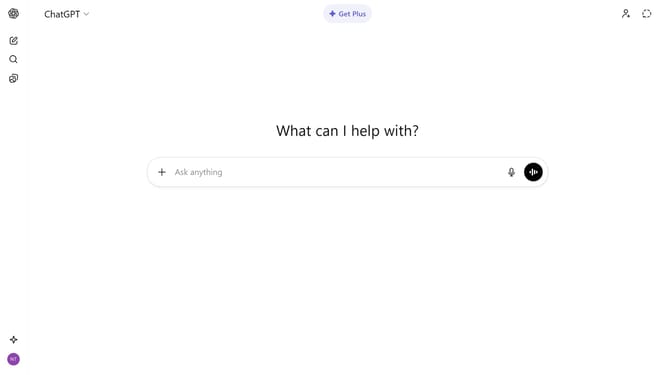
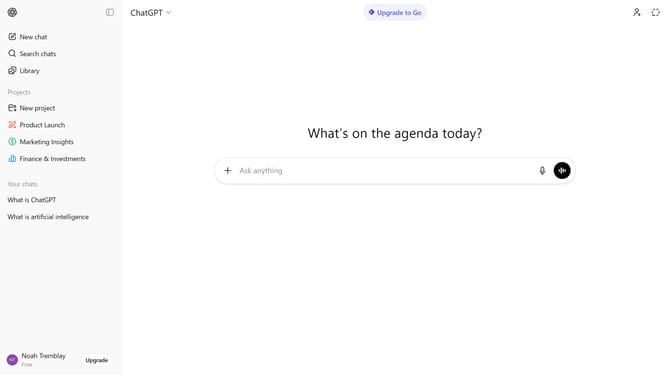
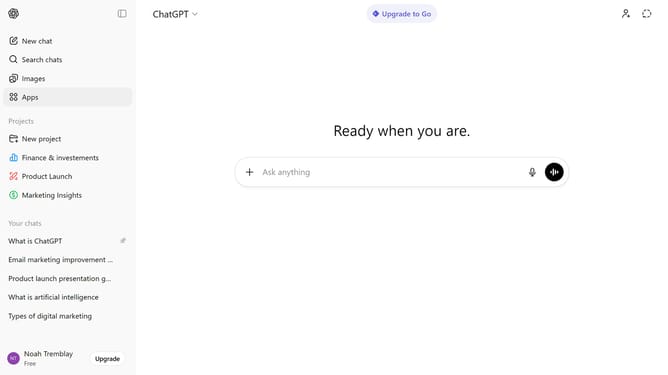
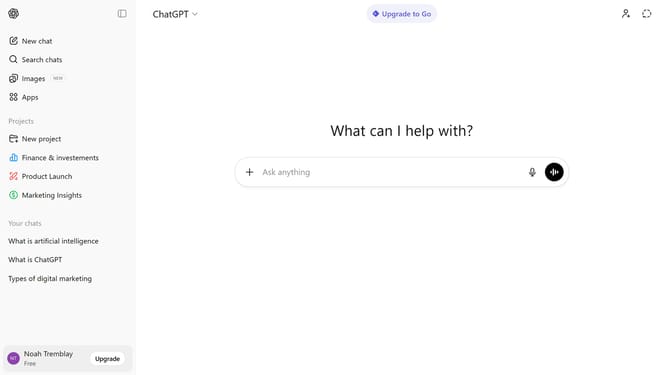
- Next click on the "+" button to the left of the input field
- From the dropdown menu, select "Add photos & files" option and select the file from your device
- After that, wait for the file to finish uploading
- Finally, type your message or instructions
- ChatGPT can read and analyze the attached file within the conversation
Why should you attach a file in ChatGPT
ChatGPT is an advanced AI tool designed to enhance communication and understanding by engaging users with thoughtful interactions.
Attaching a file in ChatGPT streamlines the sharing process, making collaboration seamless and efficient.
This feature supports the exchange of documents, images, and other critical files, widening the scope of conversations.
By integrating file attachment capabilities, users can provide context, enrich discussions, and streamline information transfer effortlessly.
Last update