How to stop ChatGPT from using your audio recordings for model training
Here is how to stop chatgpt from using your audio recordings for model training
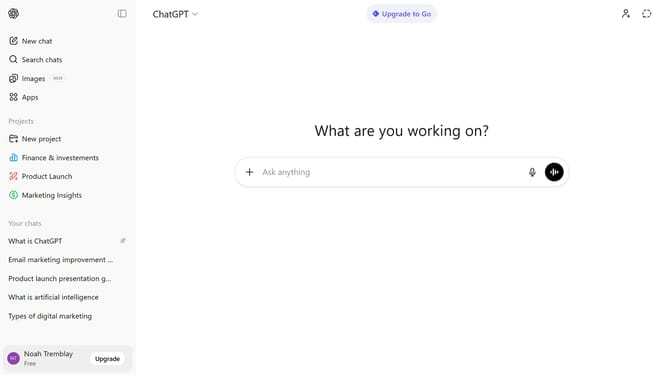
- First click on your profile in the bottom left of the sidebar
- Next click on "Settings" option in the user menu
- Click on "Data controls" in the settings menu
- Next click on "Improve the model for everyone" option
- Then toggle off the "Include your audio recordings" option in the Voice mode section
- Finally click on "Done" button to save the changes
Why should you stop ChatGPT from using your audio recordings for model training
ChatGPT is an innovative AI tool designed to facilitate engaging and insightful conversations.
One essential feature is the ability to prevent your audio recordings from being used in model training, enhancing personal privacy.
This ensures that your unique voice data remains confidential and not utilized for improving AI capabilities.
By opting for this feature, you safeguard your personal data while still enjoying the benefits of AI-driven interactions.
Last update