How to turn on "Share resume data with hirers" in LinkedIn
Here is how to turn on "share resume data with hirers" in linkedin
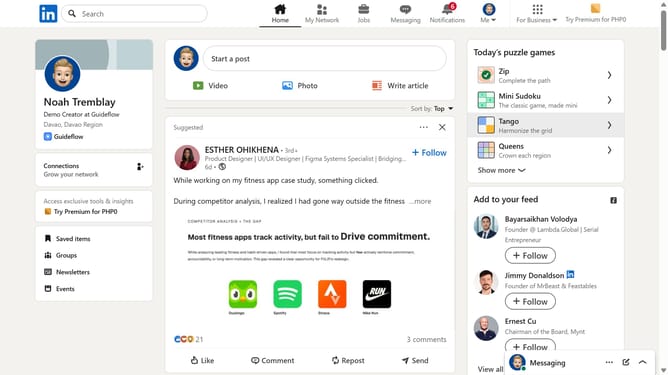
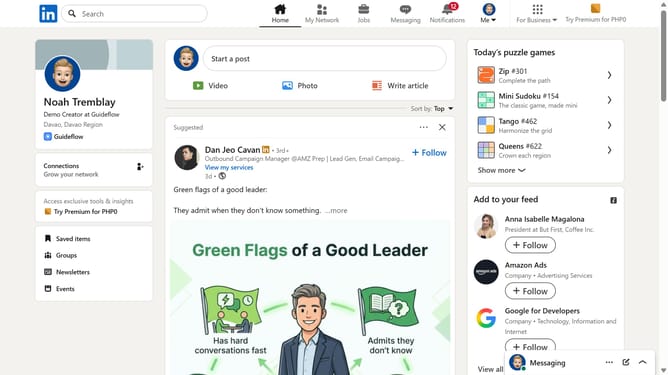
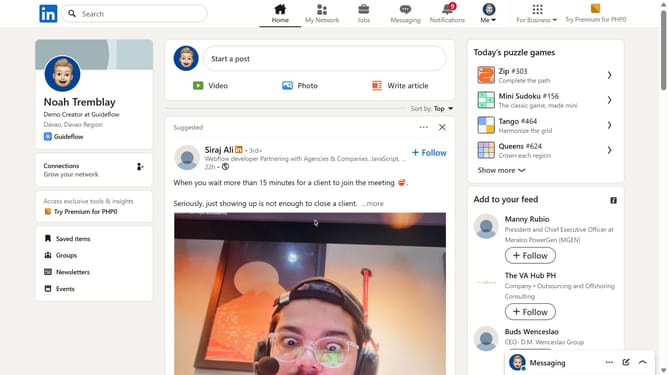
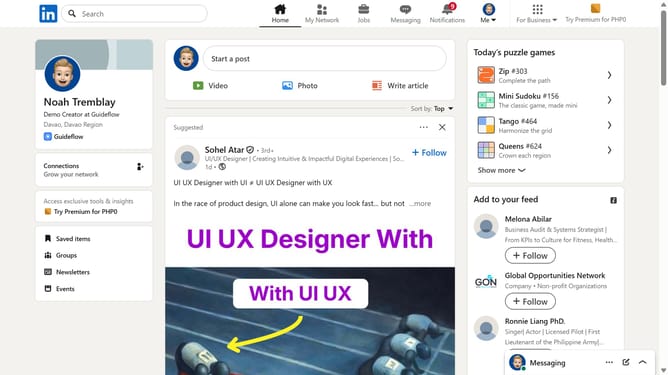
- First click on the "Me" dropdown button in the top navigation bar
- Then click on "Settings & Privacy" option in the dropdown menu
- Next click on "Data privacy" option in the left sidebar menu
- Then click on "Job application settings" under Job seeking preferences section
- Finally toggle on the "Share resume data with hirers" option in the resume settings page
Why should you turn on "Share resume data with hirers" in LinkedIn
LinkedIn is the leading professional networking platform connecting job seekers with employers worldwide.
The "Share resume data with hirers" feature on LinkedIn enhances your job application process by automatically sharing crucial information with potential employers.
This feature allows hirers to quickly access your professional details, making it easier for them to evaluate your fit for a role.
Activating this option streamlines communication, increases visibility to recruiters, and potentially expedites job opportunities in a competitive market.
Last update