Linkedin
LinkedIn is a professional networking platform that helps individuals and businesses connect, share opportunities, and grow careers. It offers tools for recruiting, marketing, sales, and learning, with over 1 billion members worldwide, including executives from every Fortune 500 company.
Website
Industry
Leadgen
Share this article:

How to turn on in-app birthdays notifications on LinkedIn

Here is how to turn on in-app birthdays notifications on linkedin

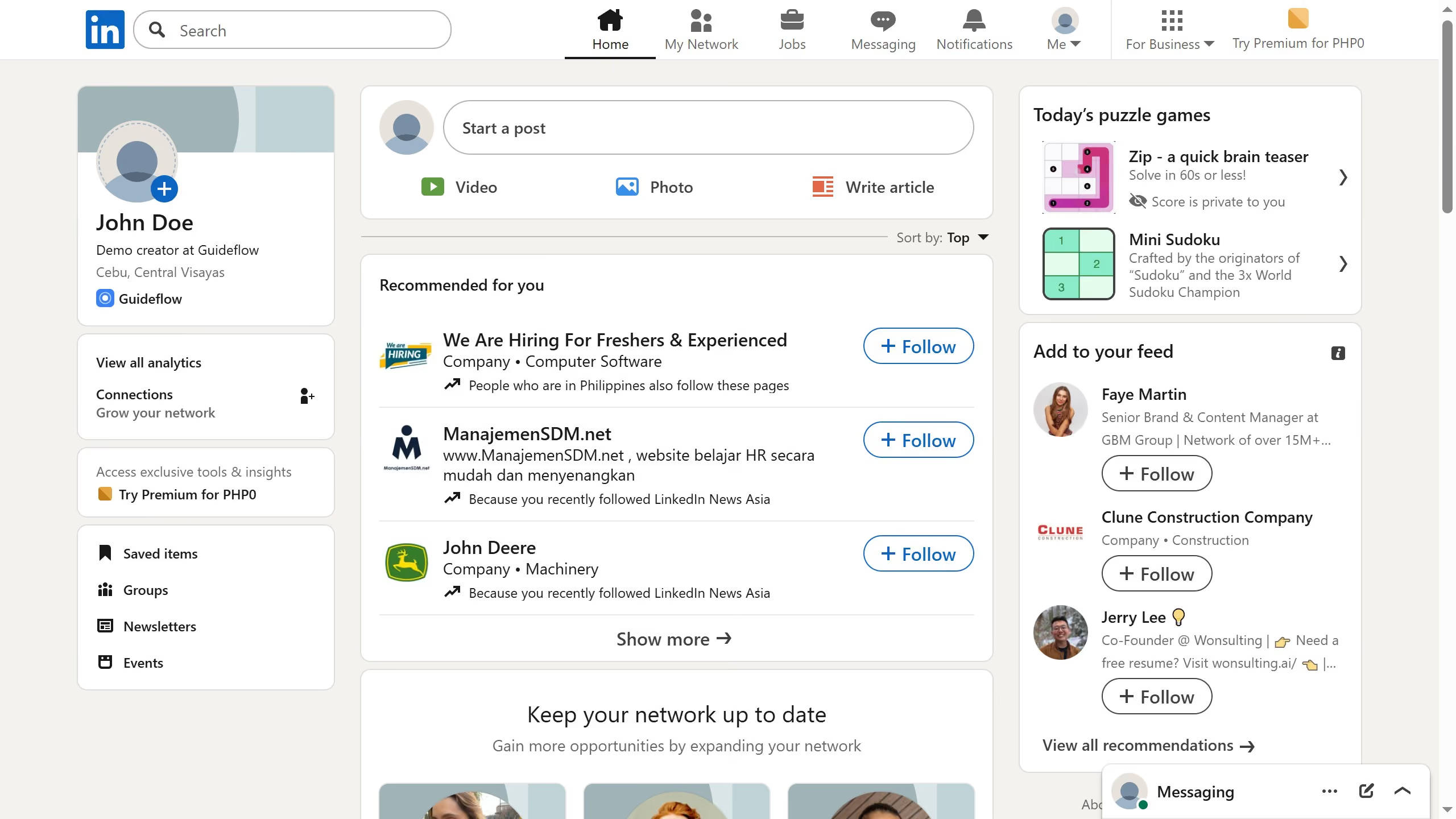
  1. First click on "Me" dropdown menu in the top navigation bar
  2. Then click on "Settings & Privacy" option from the dropdown menu
  3. Next click on "Notifications" option in the left sidebar
  4. Then click on "Network catch-up updates" item in the main content area
  5. Next click on "Birthdays" option in the notifications settings list
  6. Finally click on the toggle button to turn on "In-app notifications" for birthdays

Create your own interactive guide with Guideflow

Why should you turn on in-app birthdays notifications on LinkedIn

LinkedIn is the go-to social network for professionals aiming to connect, share opportunities, and build relationships worldwide.

One of LinkedIn’s thoughtful features is the ability to turn on in-app birthdays notifications. By doing so, users can celebrate milestones and reinforce connections within their network.

Staying updated on birthdays enhances interpersonal relationships, offering a perfect opportunity to reach out and engage in meaningful conversations.

Turning on birthday notifications can ensure you never miss a chance to connect and show appreciation, which is vital in maintaining a strong professional network.


Last update
March 16, 2026
Cursor MariaA cursor points to a button labeled "James."

Create your first demo in less than 30 seconds.