How to show clock in Mini Sudoku in LinkedIn
Here is how to show clock in mini sudoku in linkedin
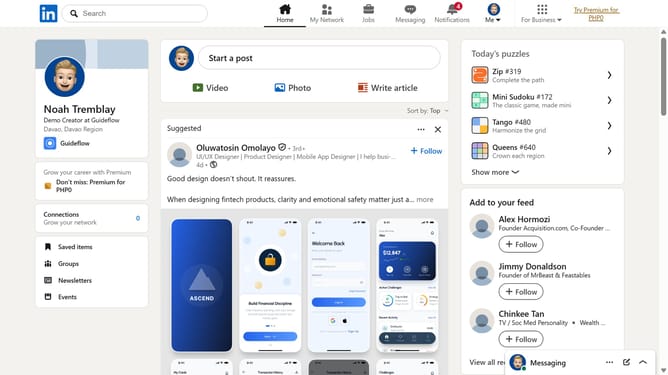
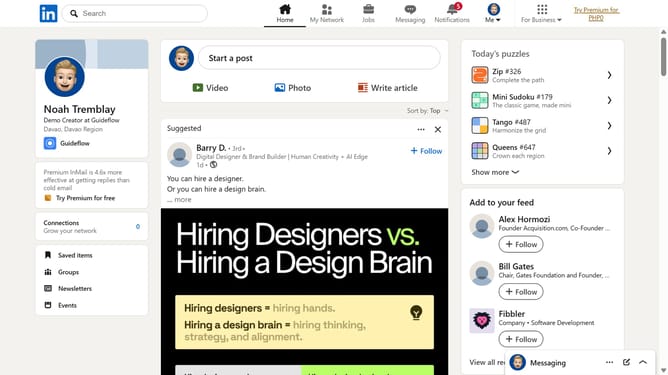
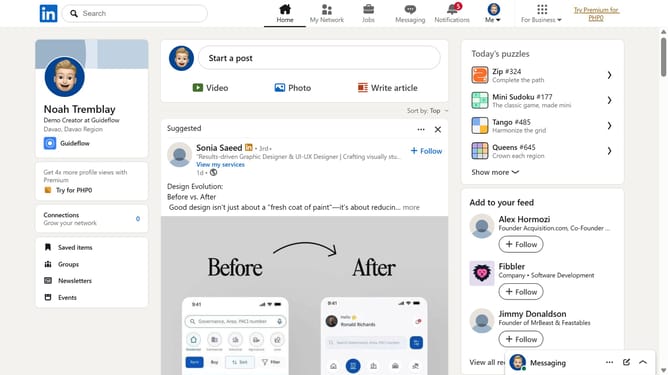
- First click on the "Mini Sudoku" game card in the right sidebar under Today's puzzle games section
- Then click on the "Settings" dropdown button in the top right corner of the game interface
- Finally turn on the "Show clock" toggle to display the timer
Why should you show clock in Mini Sudoku in LinkedIn
LinkedIn is the world's largest professional network, dedicated to connecting and fostering growth among global professionals.
The Mini Sudoku feature in LinkedIn now includes a subtle yet powerful enhancement - a clock. This feature is perfect for users who enjoy mental exercises and wish to keep track of their progress over time. By providing a gentle nudge to enhance your problem-solving skills, this clock encourages focused and efficient gameplay.
Engaging with this feature not only boosts cognitive function but also serves as a great way to take brief yet enriching breaks during a busy workday. As you hone your skills, LinkedIn keeps you on track, promoting a balanced approach to productivity and recreation.
Last update