How to turn on data export by LinkedIn Page owners
Here is how to turn on data export by linkedin page owners
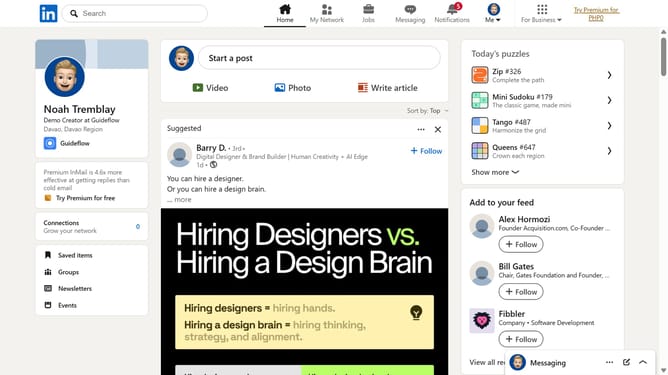
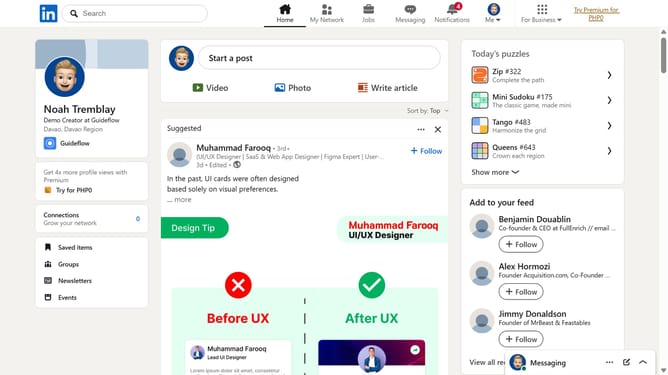
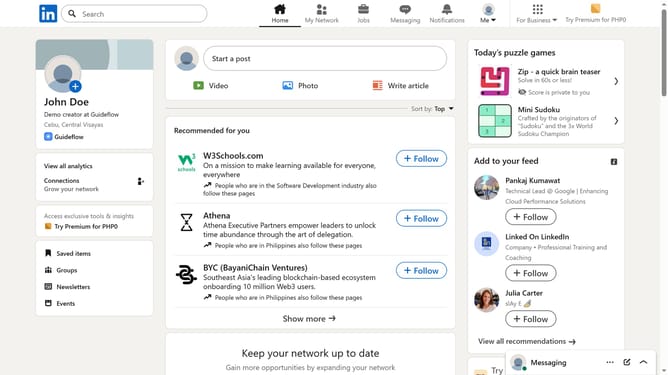
- First click on the "Me" dropdown menu in the top navigation bar
- Then click on "Settings & Privacy" option in the dropdown menu
- Next click on "Visibility" section in the left sidebar menu
- Then click on "Page owners exporting your data" option in the main content area
- Finally click on the toggle switch to turn on "Allow Page owners to export your data"
Why should you turn on data export by LinkedIn Page owners
LinkedIn is a professional networking platform connecting individuals and businesses worldwide.
Activating the data export feature on LinkedIn allows Page owners to efficiently gather important insights. This feature is crucial for understanding audience demographics, engagement patterns, and overall page performance.
By utilizing this feature, businesses can make informed decisions, tailor their content strategy, and enhance audience interaction. It's an invaluable tool for driving growth and maximizing the impact of your LinkedIn presence.
Last update