How to upload your resume in LinkedIn
Here is how to upload your resume in linkedin
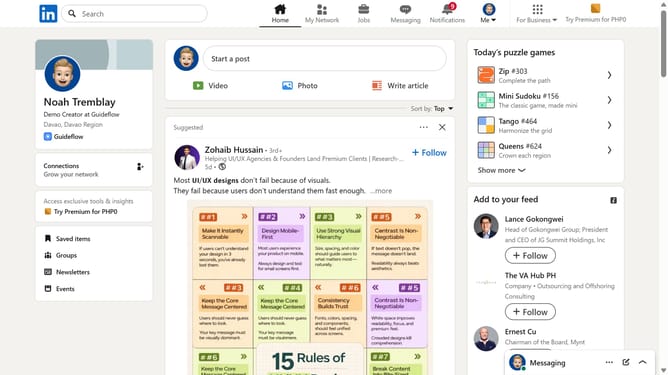
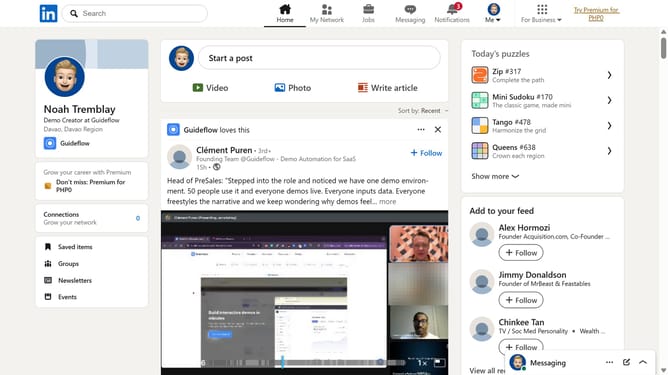
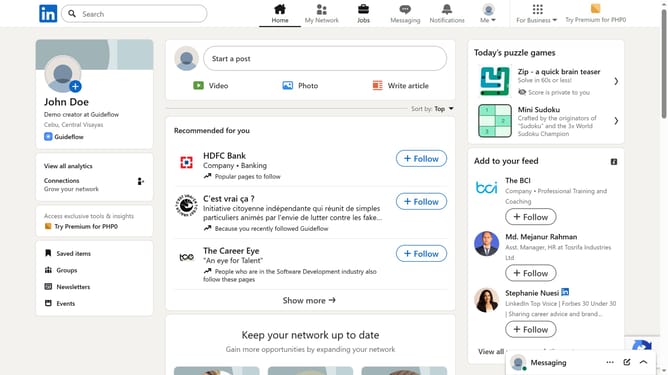
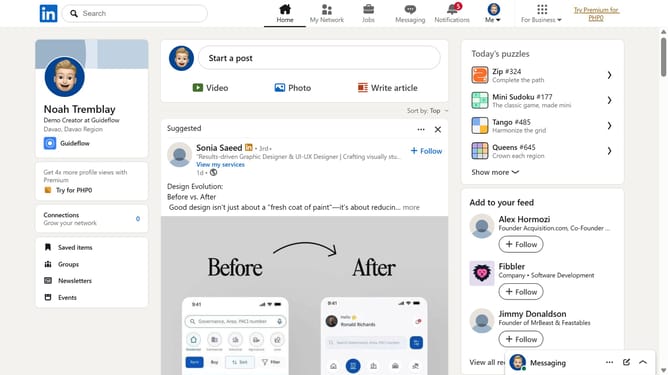
- First click on the profile button labeled "Me" in the top navigation bar
- Then click on "Settings & Privacy" in the dropdown menu
- Next click on "Data privacy" in the left sidebar menu
- Then click on "Job application settings" under the Job seeking preferences section
- Finally click on the "Upload resume" button in the Resumes and application data section
Why should you upload your resume in LinkedIn
LinkedIn is the premier professional networking platform designed to connect professionals and enhance career opportunities.
By uploading your resume to LinkedIn, you create a seamless opportunity for potential employers to discover your skills and accomplishments at a glance. This feature enriches your profile, making it a comprehensive showcase of your professional journey.
Having your resume on LinkedIn not only increases your visibility but also ensures you are always ready for new opportunities, saving you time and effort in sharing your credentials with interested recruiters.
Last update