How to turn off "Share resume data with hirers" in LinkedIn
Here is how to turn off "share resume data with hirers" in linkedin
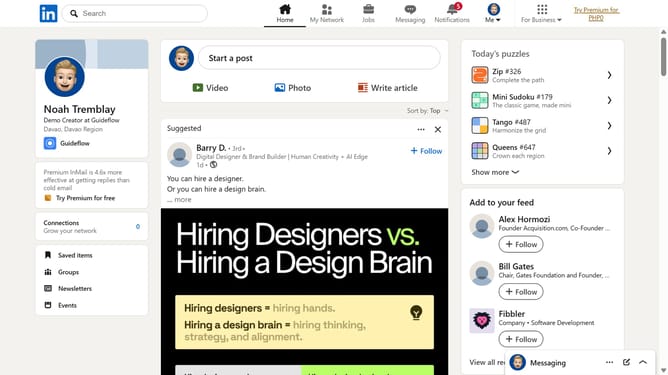
- First click on the "Me" dropdown button in the top navigation bar
- Then click on "Settings & Privacy" option in the dropdown menu
- Next click on "Data privacy" option in the left sidebar menu
- Then click on "Job application settings" under Job seeking preferences section
- Finally toggle off the "Share resume data with hirers" option in the resume settings page
Why should you turn off "Share resume data with hirers" in LinkedIn
LinkedIn is the world's largest professional network, connecting experts and opportunities seamlessly.
To enhance your control over personal data, turning off the "Share resume data with hirers" feature on LinkedIn can be beneficial. It ensures that your resume details remain private, only shared at your discretion.
This feature allows you to navigate professional networking on your terms, granting peace of mind while maintaining your online presence.
Stay informed and in control of what potential employers can access, aligning your privacy settings with your career goals.
Last update