How to turn off deep research and file creation notification in Perplexity
Here is how to turn off deep research and file creation notification in perplexity
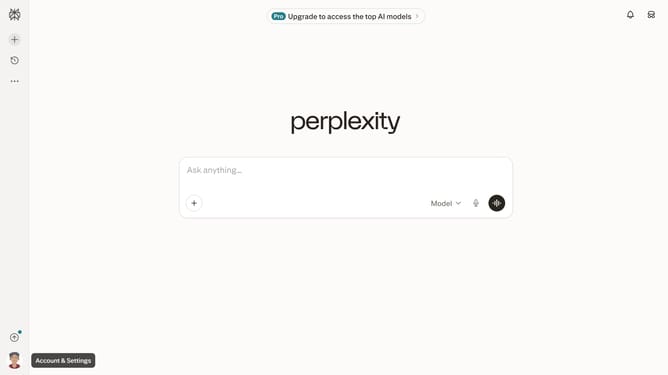
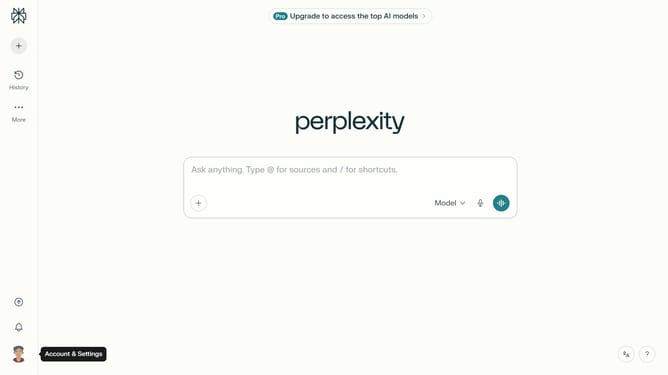
- First click on the account profile button in the sidebar
- Then click on "All settings" option in the settings menu
- Next click on "Notifications" item in the sidebar
- Then click on the scroll area to view more notification options
- Finally click on the "Deep research and file creation" toggle off to disable email notifications
Why should you turn off deep research and file creation notification in Perplexity
Perplexity is a cutting-edge tool designed to streamline and enhance your research processes.
Opting to turn off deep research and file creation notifications in Perplexity can lead to a more focused work environment, free from unnecessary interruptions.
By minimizing distractions, you can immerse yourself in your research tasks, leading to improved productivity and a more seamless workflow.
This adjustment empowers users to prioritize their workflow preferences, allowing for a customizable and efficient research experience.
Last update