How to set price alert for Marathon Oil Corporation in Perplexity
Here is how to set price alert for marathon oil corporation in perplexity
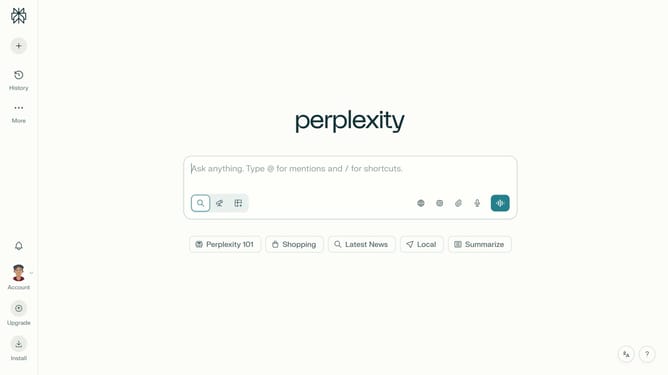
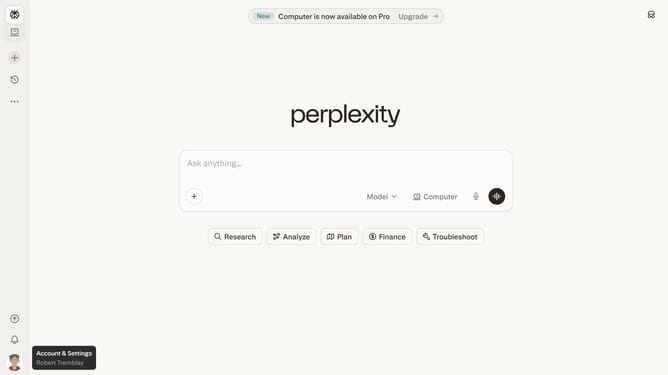
- First click on the account profile icon button in the left sidebar
- Then click on "All settings" option in the sidebar menu
- Next click on "Notifications" item in the sidebar menu
- Then scroll down the notifications page
- Next click on "New Alert" button in the Price Alerts section
- Then click on the search field and type "Marathon Oil Corporation"
- Next select "Marathon Oil Corporation" from the dropdown list
- Then click on the target price input field and modify it to your desired price value
- Finally click on "Save" button to confirm the price alert
Why should you set price alert for Marathon Oil Corporation in Perplexity
Perplexity is an innovative platform designed to empower users with insightful data analysis and monitoring tools.
Setting a price alert for Marathon Oil Corporation in Perplexity ensures you stay informed about significant price movements with ease.
By using this feature, investors can effortlessly track stock price changes, making timely and informed strategies possible.
This enhances decision-making skills, offering peace of mind and efficiency in managing your investment portfolio.
Last update