How to set price alert for VeriSign, Inc. in Perplexity
Here is how to set price alert for verisign, inc. in perplexity
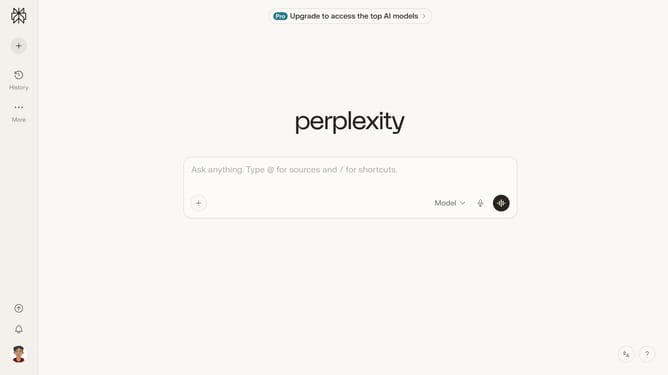
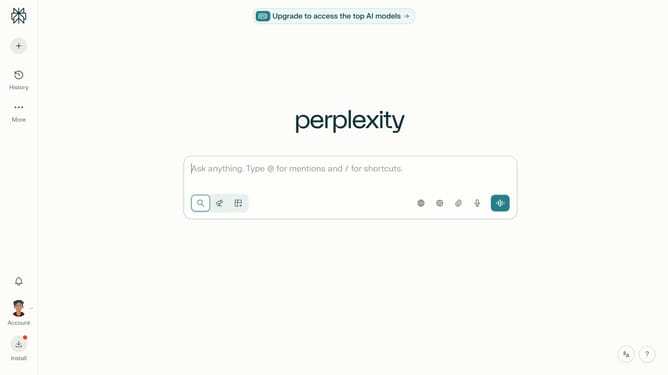
- First click on account profile button in the sidebar
- Then click on "All settings" option in the sidebar menu
- Next click on "Notifications" option in the left sidebar
- Then scroll down the page to view the price alerts section
- Next click on "New Alert" button under the Price Alerts section
- Then click on the search field and type "VeriSign, Inc."
- Next click on "VeriSign, Inc." from the dropdown suggestions
- Next click on the target price input field and modify it to your desired price value
- Finally click on "Save" button to confirm the price alert
Why should you set price alert for VeriSign, Inc. in Perplexity
Perplexity is a cutting-edge tool designed to simplify and enhance stock market interaction.
When it comes to monitoring investments like VeriSign, Inc., setting a price alert in Perplexity empowers investors with real-time updates. This feature ensures you are always aware of significant market movements, helping you make informed decisions swiftly.
By utilizing Perplexity's price alert function, users can safeguard their investment strategies by being promptly notified of any key price thresholds being crossed. Such proactive alerts enable users to act with precision, optimizing their investment outcomes.
Last update