How to show finished numbers in Mini Sudoku in LinkedIn
Here is how to show finished numbers in mini sudoku in linkedin
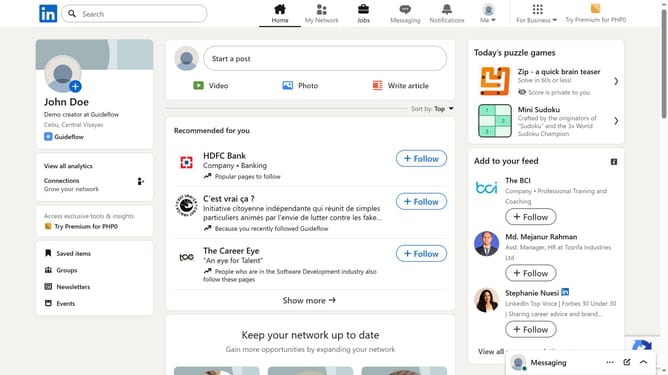
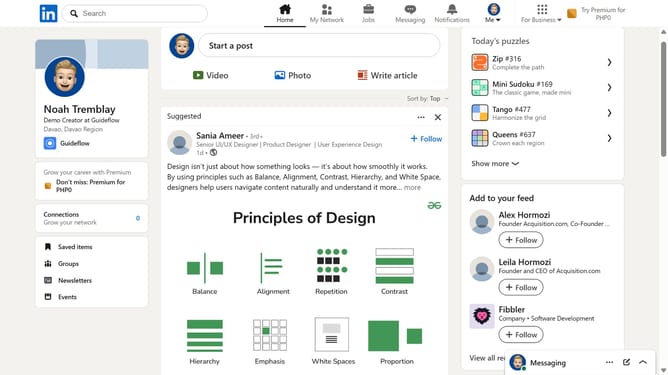
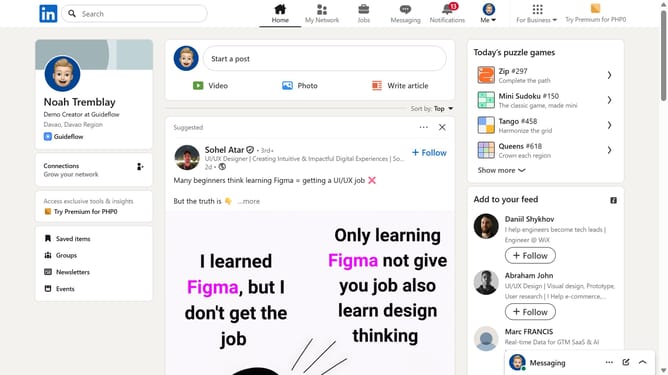
- First click on the "Mini Sudoku" game card in the right sidebar under "Today's puzzle games" section
- Then click on the "Settings" dropdown button in the top right corner of the game interface
- Finally turn on the "Show finished numbers" toggle option in the settings menu
Why should you show finished numbers in Mini Sudoku in LinkedIn
LinkedIn, the professional networking platform, connects individuals to advance their careers and grow professionally.
The "show finished numbers in Mini Sudoku" feature in LinkedIn is a subtle yet effective tool that enhances engagement and attention to detail.
By having the ability to showcase completed numbers, users are empowered to demonstrate their analytical skills and perseverance, adding a unique facet to their profiles.
This feature not only enriches the platform experience but also provides a small mental break, which can improve productivity and mental agility.
Last update